Leaderboard



Popular Content
Showing content with the highest reputation on 01/03/26 in all areas
-
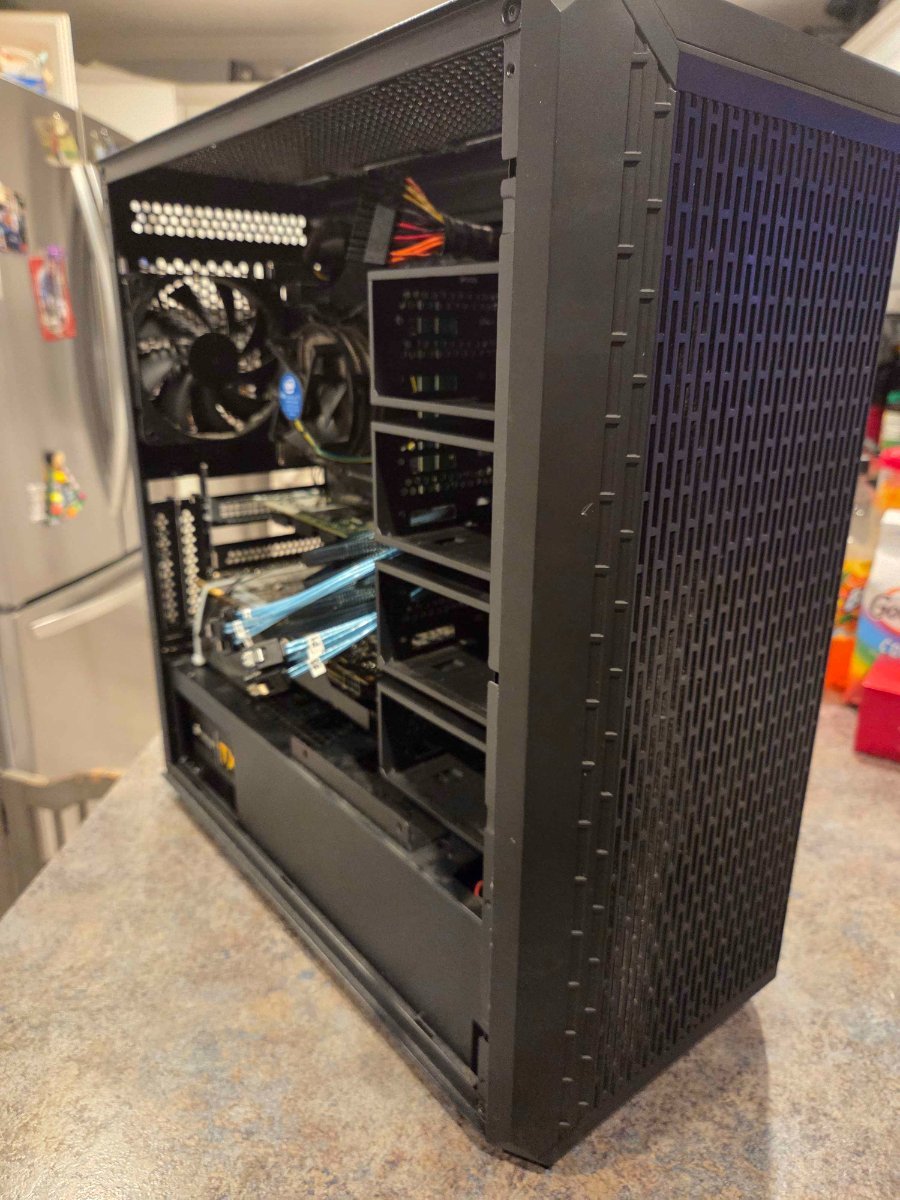
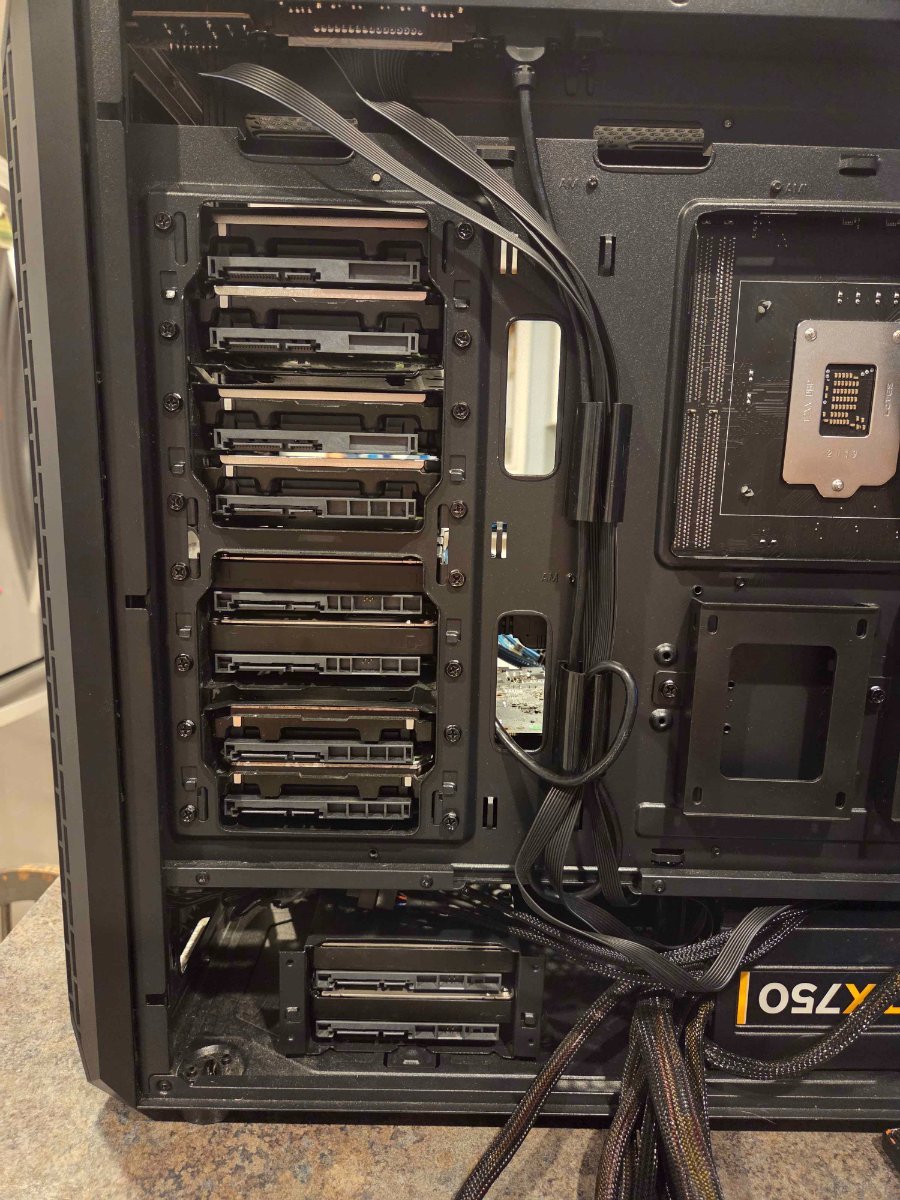
So after some digging, poking and planning I have NAS 2.0. Unlike my first nas that was built off of pure storage round 2 is planned on the fact that I have found a better way for my use case to use hexos. So moving to a newer cpu platform will give me more horsepower down the road swapping from a i3 8350k to an i7 10700. Moving to storage I will have 3 128g ssd as pool 1 for all my apps and vms. Next to that is 4 12tb drives that will be the main pool for storage. Setting up the next 6 8tb drives will be my once a month storage point "the drives will be spun down when not in use". As far as my old setup it will be getting 15 8tb hdds and will be colocated for in case things happen at home storage.
 2 points
 -
I got it to fix below is my step-by-step solution Select Unclaim Server Plugged in HDMI cable to server to a monitor Reset the Server I was not getting any output so I did a reset to get an output. There was a boot window upon restarting the server, I selected it Let it boot while my other/main PC was on the HexOS dashboard discovering After about 10~ min it was discoverable Boot up took a while to complete Followed the "start-up" prompts on the HexOS dashboard I skipped the Storage set up process because I already had them set up prior Everything was working like before, but it did NOT complete the update that caused this issue I am holding off on updating until there is a more stable release. Hope this helps someone!
2 points
-
Truenas Scale is adding a File Browser as seen on their T3 pod cast1 point
-
My drives have never spun down even with Advanced Power Management Level 1. The solution: I moved the System Data Set to the boot-drive (System –> Advanced Settings –> Storage –> Configure) and now they do!1 point