ubergeek
-
Posts
518 -
Joined
-
Last visited
-
Days Won
12
5 Followers




Recent Profile Visitors
1974 profile views



ubergeek's Achievements






-

Urgently need my email change, no response from HexOS support email.
ubergeek replied to HoldenTG's topic in Forum Issues
@mill3000 -
I can say ALL of my NAS builds have been done with Used drives from ebay and other retailers. I have had a small batch os issues but were dealing with drives that had a LARGE amount of time on them. if you are expanding and want to keep price down used could be a great alternative for you
-
I am a purple and gold guy
-
So that is enough to run a nas. My only issue is with drive selection, if you don't need sas I would stay away from it. My first nas I built for hexos was slapped together with random cheap 4tb drives I pulled from ebay and for it's lifetime I only lost 3 drives. So save some scratch and just focus on a better quality sata drive.
-
@jonp @mill3000
-
IMO I say go with what you can afford / what your build requires. the new hardware is not a bad way to go
-
@mill3000
-
So in my opinion if thats the hardware you have to build with, YES build it and when you have the chance to upgrade things upgrade them. The hardware is yes old but I know people still using core2duos to power their projects. Keep in mind that some thing you may want to do past the basic storage nas my be limited like Plex ect, due to the power they can sometimes require
-
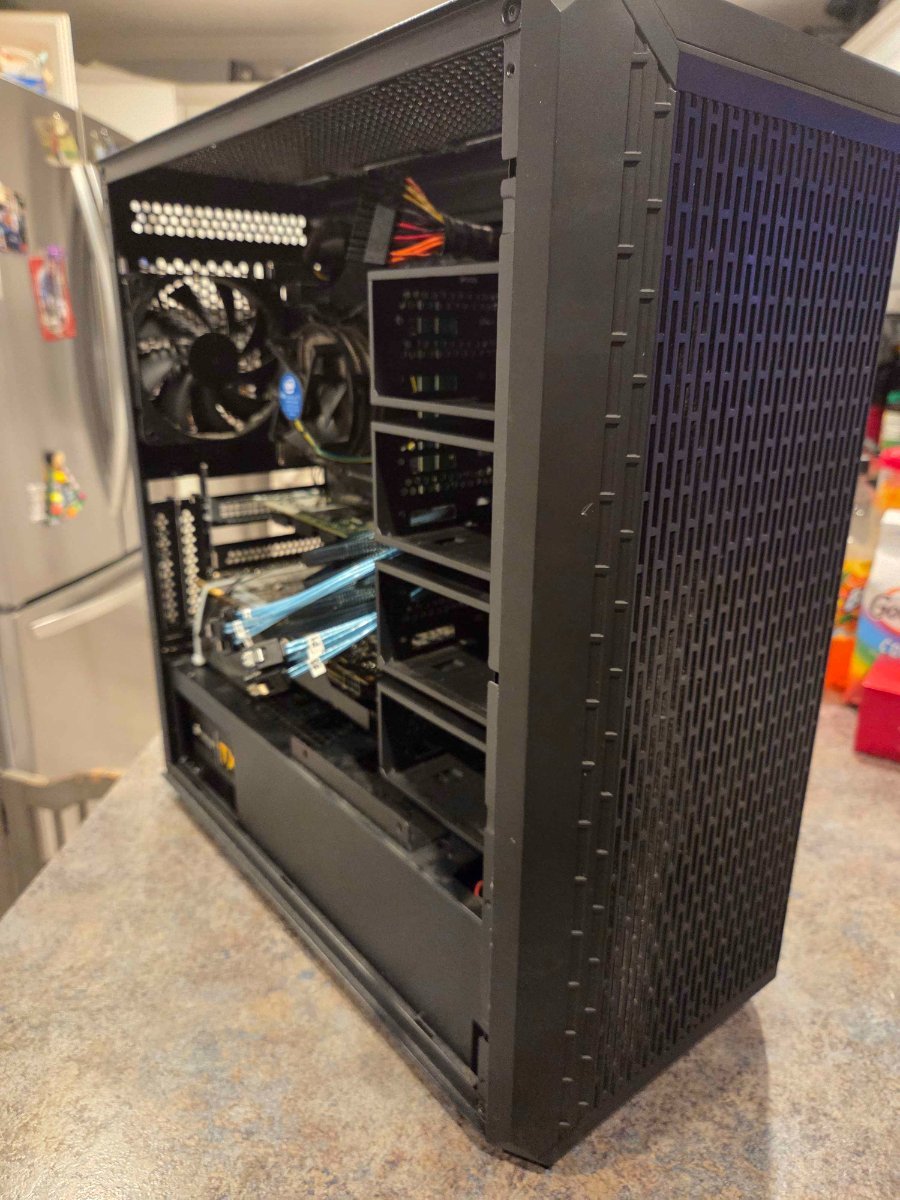
I'm digging that case
-
Does power consumption matter? Amd I guess you are in the eu
-
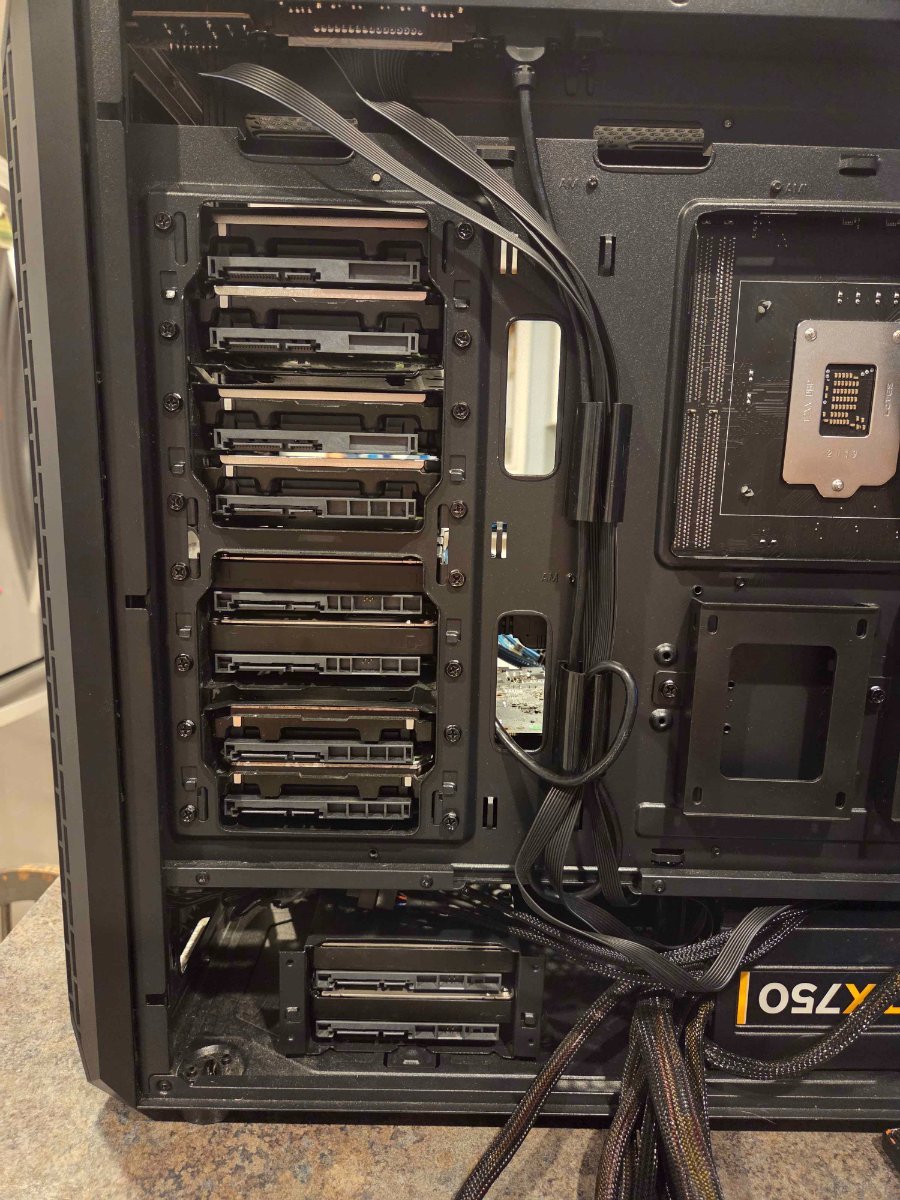
So after some digging, poking and planning I have NAS 2.0. Unlike my first nas that was built off of pure storage round 2 is planned on the fact that I have found a better way for my use case to use hexos. So moving to a newer cpu platform will give me more horsepower down the road swapping from a i3 8350k to an i7 10700. Moving to storage I will have 3 128g ssd as pool 1 for all my apps and vms. Next to that is 4 12tb drives that will be the main pool for storage. Setting up the next 6 8tb drives will be my once a month storage point "the drives will be spun down when not in use". As far as my old setup it will be getting 15 8tb hdds and will be colocated for in case things happen at home storage.

-
- 4
-

-
What HBA / Raid / Perc card 8s in the server
-
yes you would need to either go back to the 192.168 subnet or Vlan for the hex os port to run as 192.168 and make the ACL's to connect back to the 10.10
-
I would take the new router and mirror the current /24 ip structure.
-
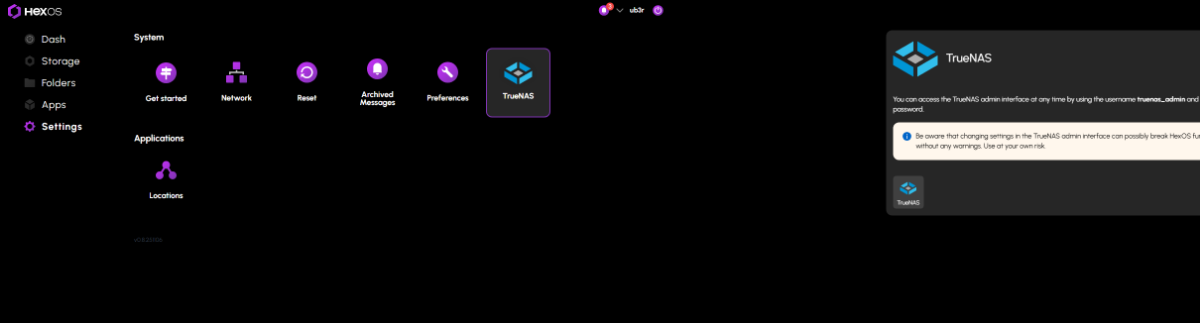
If you are in Windows use a network scanner like Angry IP scanner or NMAP/Zenmap to do a network scan . You should see the hostname that you setup the NAS to have ,use that IP and HTTPS://i.p. here and you should see the truenas screen. Also you can use this option from the HEXOS DECK view ::::: SEttings - truenas- popout window truenas button