Search the Community
Showing results for tags 'build'.
Found 5 results
-
I have been wanting to have a Home NAS for a while, particularly to to do the follow: Run a LocalAI that i can hopefully also access remotely, instead of using DuckAI, ChatGPT through Siri, ect. Store my movie collection and access it through devices through Plex (i think?) Have a replacement for ProtonDrive so i am not dependant on paying a company to store my files and hopefully be able to access it also off-network through my phone, laptop, or whatever remotely as well as in-house. I am finally in a position to begin aquiring the hardware and stuff i need and as such i am hoping for some feedback, warnings about potential pitfulls my googling and youtubin may have failed me on, and any advice about how to make sure the above-mentioned stuff will work before i fully commit in-case i need to change tracks somehow. okay, first off is the PC i will be using, i was planning on getting an old optiplex or something like that and stuffing it with drives. HOWEVER, today i stumbled upon this brand-new in box (unopened too!) at a pawn store and i offered $250 out the door and they took it. so i am ecstatic that this will work. https://www.newegg.com/p/3D5-0005-00EA3 it is not listed but it does come with an RX 5500 as well as its integrated GPU, a quick bit of googling showed this should be more than enough for processing videos even if it dosen't have that HAVI.. (AVI?) codec support that recently started taking over. And while i can use the included 250gb nvme drive as a boot drive it only has 3 SATA ports so that will limit my options. Unfortunately I found that i can not get a 4 pin to 3 sata power connector, only a 4 pin to 2 sata power connector like the one that comes with the PC which is why i will need to replace the PSU; and while i can use the included 250gb nvme drive as a boot drive it only has 3 SATA ports so that will limit my options. I am planning to order these 3 X 6TB WD Blue (amazon.com/gp/product/B0BNGL4BND) 1 x Rosewill VMG 750W Modular (amazon.com/gp/product/B0FFQC5VGM) the reason for the WD Blue's instead of Red's is because of price, I saw people commenting they used Blue's before for NAS storage solutions and while they might not hold up as long as enterprise or nas-intended drives they should last a long while still while also being more affordable... or as affordable as it can be when each 6TB drive costs $205 😭. And if im reading/looking correctly this PSU should work, even if i cant physically fit it inside i can just sticky it to the top of the PC and route the cables inside, the included cables should work for the two 4 pin power plugs that this motherboard uses. I do need to upgrade to either 16 or 32 GB of ram, but i haven't figured out if 16 would be enough for my use case and which kit would be best. anyone who can chime in would be massively appreciated. if this is a bit rambly and i forgot stuff im sorry, i worked an 10+ hour shift and am very tired lol.
-
My HexOS NAS Build: From Inspiration to Reality Hey everyone, I probably should have kicked things off by sharing my planned build before revealing the actual one, but I got a little too excited! So, why this build? I was really inspired by Linus Tech Tips' (LTT) Scrapyard Wars and set out to source as many local, used parts as possible. That proved to be quite a challenge in my area! Then came the announcement for HexOS, which was exactly what I was looking for to build a simple NAS. I started by purchasing a HexOS lifetime key, and then the part-sourcing journey began. Part List: Operating System * HexOS Lifetime Key: $144.88 Core Components * CPU: Ryzen 7 1700 (8C/16T) - $45 (Facebook Marketplace) * CPU Cooler: Thermalright Peerless Assassin 120 SE - $48.90 (Amazon Marketplace Canada) * Motherboard: ASRock B450M PRO4 R2.0 - $114.96 (Newegg Canada) * Power Supply: MSI A850GL - $183.95 (Best Buy) * RAM: CORSAIR Vengeance LPX 32GB (2x16GB) DDR4 3200MHz - $67.99 (Canada Computers) * Boot Drive: WD Black SN770 500GB - $79.99 (Canada Computers) * Zotac 2060 8GB - $180 (Facebook Marketplace) Storage Drives * Storage Drives (x2): Seagate BarraCuda 8TB 7200 RPM - $224.19 each (Best Buy) Current Case * Thermaltake S200 TG ARGB Plus: $114.96 (Best Buy) This case isn't the final home for the server. Once I acquire the additional HDDs, the server will be migrated to my larger main rig case. The Thermaltake S200 TG ARGB Plus will then be repurposed as the first component for a new gaming rig for my special lady! Future Plans My intention is to add two additional HDDs down the road. I'll need a SATA controller for this, as my boot drive uses one of the available SATA ports. On the bright side, my special lady gave me a "free PC part" coupon worth up to $100, which I plan to use for one of those future HDDs!
-
Gonna post here about any updates to try and document my new server and HexOS journey. Currently the setup goes like this: Server: Quanta 1U D51PC CPU's: 2 x Xeon E5-2630 V4 (10c/20t per CPU) RAM: 128GB DDR4 (8 x 16GB) PCIe Cards: LSI SAS3 MPT Controller Quanta 2-Port 1GbE Intel X350 2.0 NIC Boot Drive: 256GB NVMe SSD Storage: 8 x 1.2TB Seagate 10K SAS Drives. 7.93TB Usable Space Currently running 12 Docker Containers and 1 VM with more to come as i haven't ported everything over yet from my old Host. Snookered myself slightly as there is no room for expansion and not sure best practice for upgrading the drive as every bay is full. Transfer data to another host then upgrade? Any advise there? The only thing I want to add is a GPU for transcoding media however no free PCIe slots other than 4x so need to think on that one. Any thoughts or recommendations from anyone please feel free, I have another host running Proxmox so happy to tinker in the TrueNAS UI if it's worth it to make the experience/performance better.
-
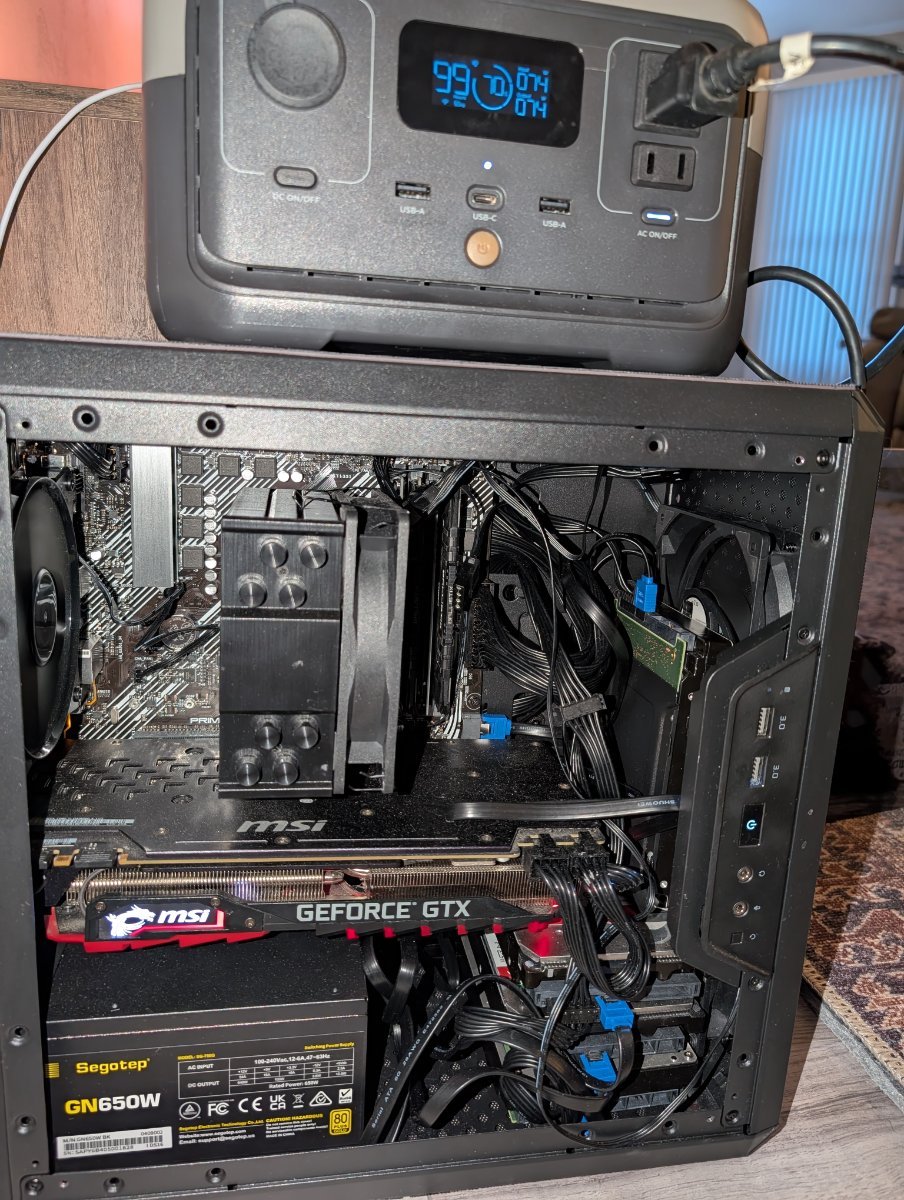
Asus PRIME B450M-A mobo (6 sata ports) 32GB of DDR4 2666MHZ Ryzen 5 3600 MSI Nvidia 1080 Ti 11GB 500GB SATA boot drive 4 WD Red 10TB Raidz2 Cooler Master MasterBox Q300L Micro-ATX Case Drives are separated by plastic shims and thick 3M tape which I'm hoping will reduce the vibration between them. And since I ran out of room I have one standing vertical. Two fans in the front and one in the back. Drive temps stay below 40C

-
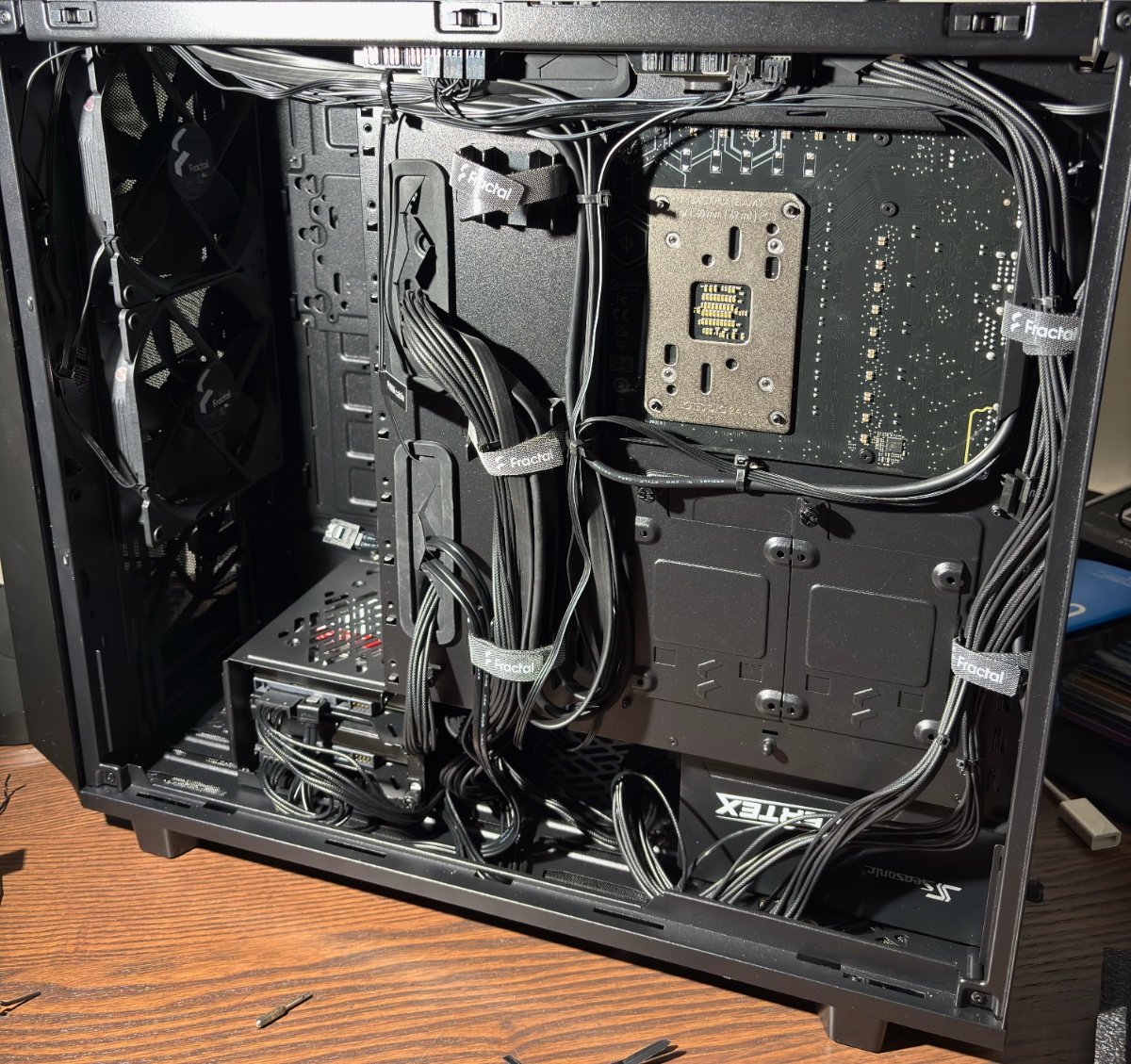
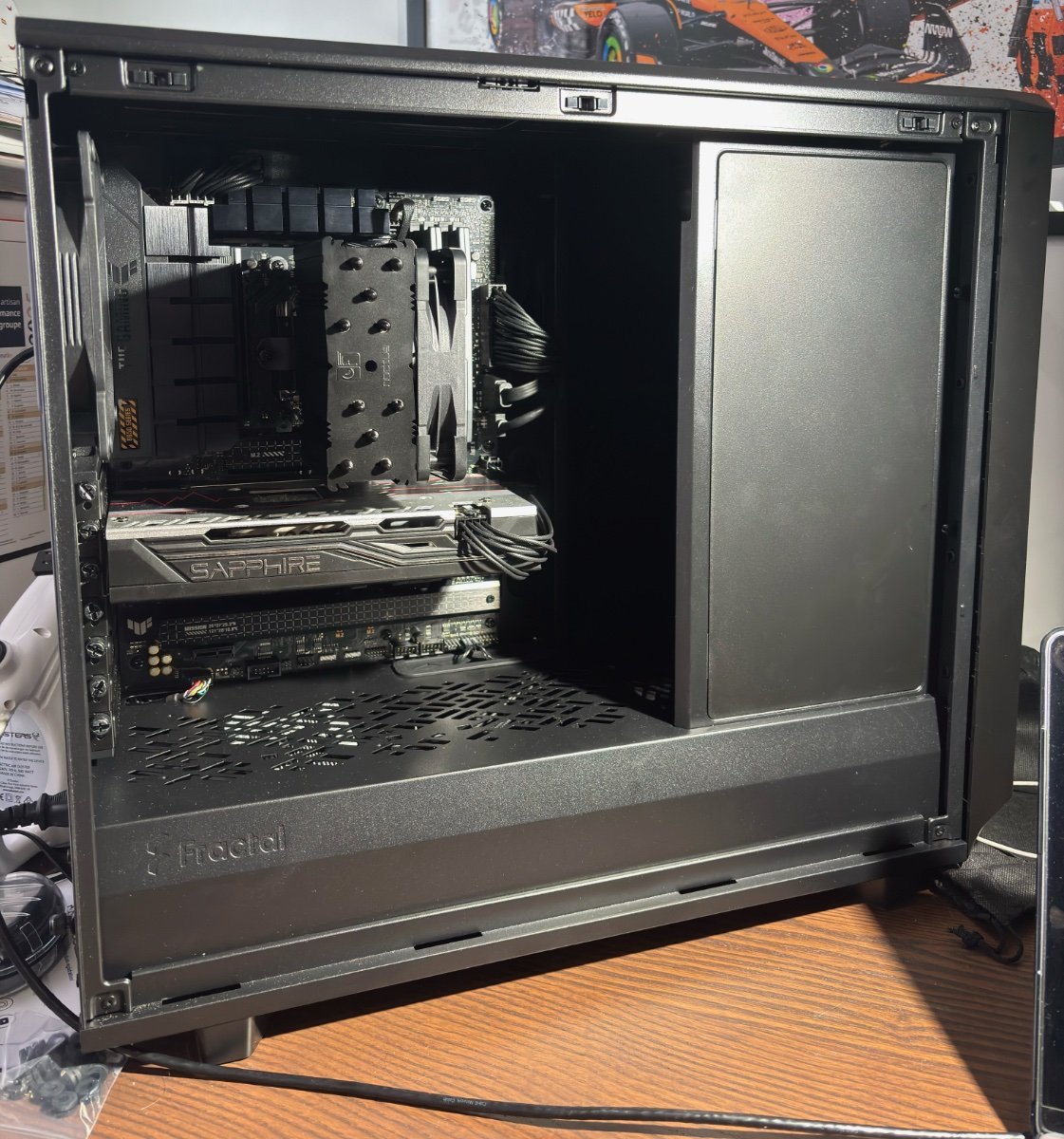
Hi, I wanted to share my first NAS build! I had a lot of fun building it, except at the end where the bloody thing wasn't booting into bios (maybe because I hadn't fully plugged in the ATX cable into the power supply...) This is the hardware that I used : ASUS B650-PLUS AMD Ryzen 5 7600 AMD RX 580 (old GPU I had lying around, used for Plex) Corsair DDR5 32Gb (2x16Gb) 6000MHz Noctua NH-U12S (in chromax.black, soooooo cool) Fractal Design Meshify 2 Seasonic Vertex PX-750 4x Seagate IronWolf ST12000VN0007 12TB HDD I don't have the 12TB HDDs right now, so I installed two 1TB WD Red HDDs (in mirror) to at least make a first Time Machine backup. My NAS is plugged in via 2.5GbE, and I was quite surprised to see 300Mb/s writing speeds over SMB (during my Time Machine backup) ! Not too bad, right? Here is the beast (at least for me; I find it to be quite big, even if it's not the XL version of the Meshify 2 lol). I really love the all black look, especially the Noctua NH-U12S which is sooooo clean in black. My motherboard only has x4 SATA III ports, so I'm planning to buy an 8 ports SATA controller (from StarTech.com, Ref. Num. 8P6G-PCIE-SATA-CARD) when I'll want to have more storage. I could also add two more M.2 SSDs but they wouldn't be really useful for me as discussed here : And that's supposed to be my cable management (First time building a PC for me). Not bad right? I think that my build is quite flexible, I love it! Cheers!