All Activity
- Past hour
-
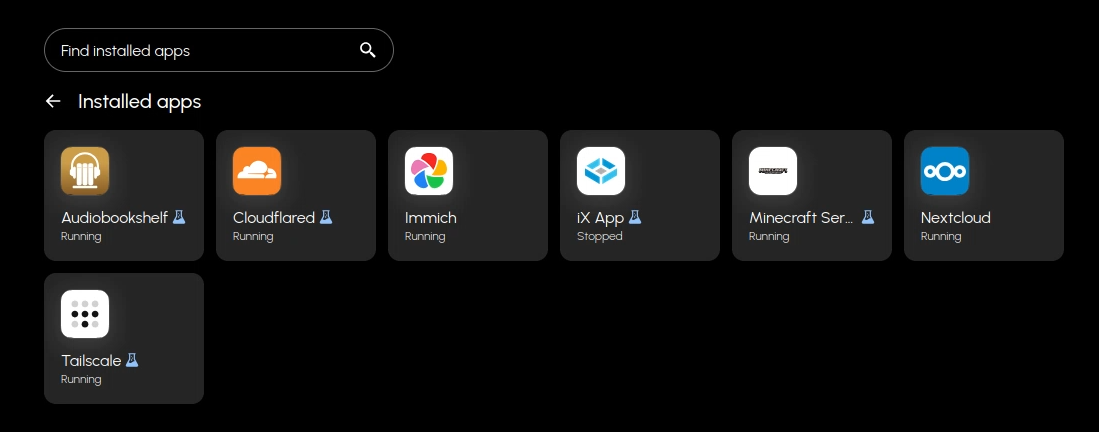
If you have your own domain and don't mind some tinkering to set it up. Cloudflare have the cloudflared tunnel application that lets you share resources on your network via your domain. You can also use their trust centre to require authentication before allowing people to connect.
-
 Daniel Pearson-Douglas joined the community
 - Today
-
 Shuten changed their profile photo
 -
 Wes Thompson joined the community
 -
 Jason Miller joined the community
 -
 James Pomeroy joined the community
 -
 Anthony Randall joined the community
 -
No one things thats good? Am I missing something?
-
 Richard Norman joined the community
 -
 Aarloh joined the community
 -
 hedgehog joined the community
 -
 test user 8 joined the community
 -
 Test User 5 joined the community
 -
+1, same issue here
-
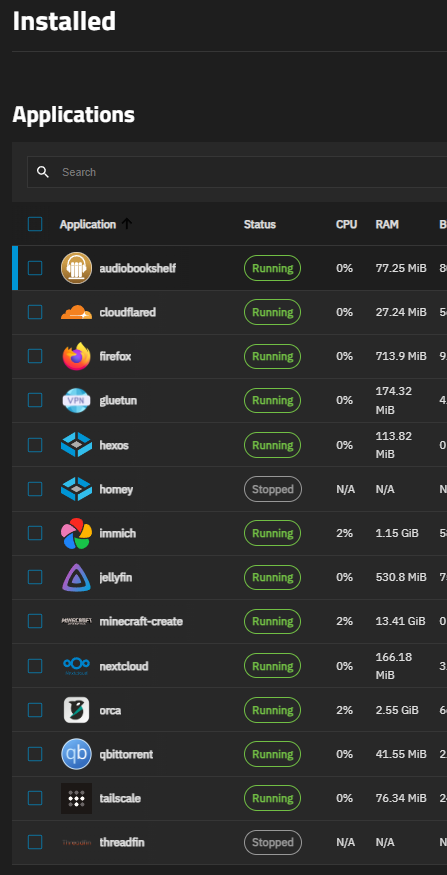
After the 1.0 update not all my apps are showing on deck/local. I believe its only custom/docker compose apps. Before the update they where showing. Is there a way to fix this?

- 1 reply
-
- 1
-

-
Hi Jamespigeon i also reach out to you in your dms
- Yesterday
-
I also have a few issues with failed updates.
-
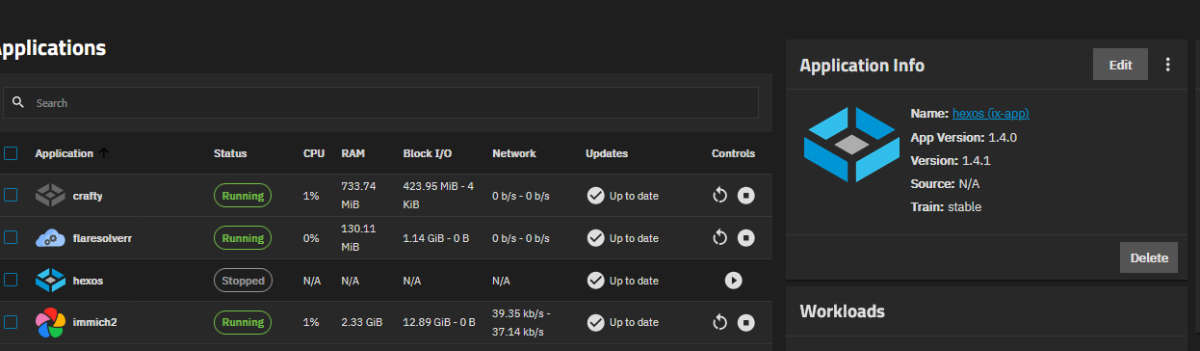
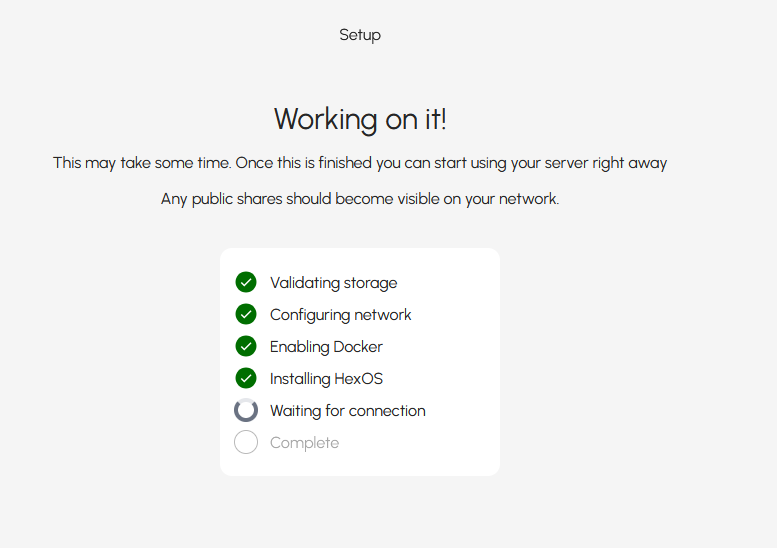
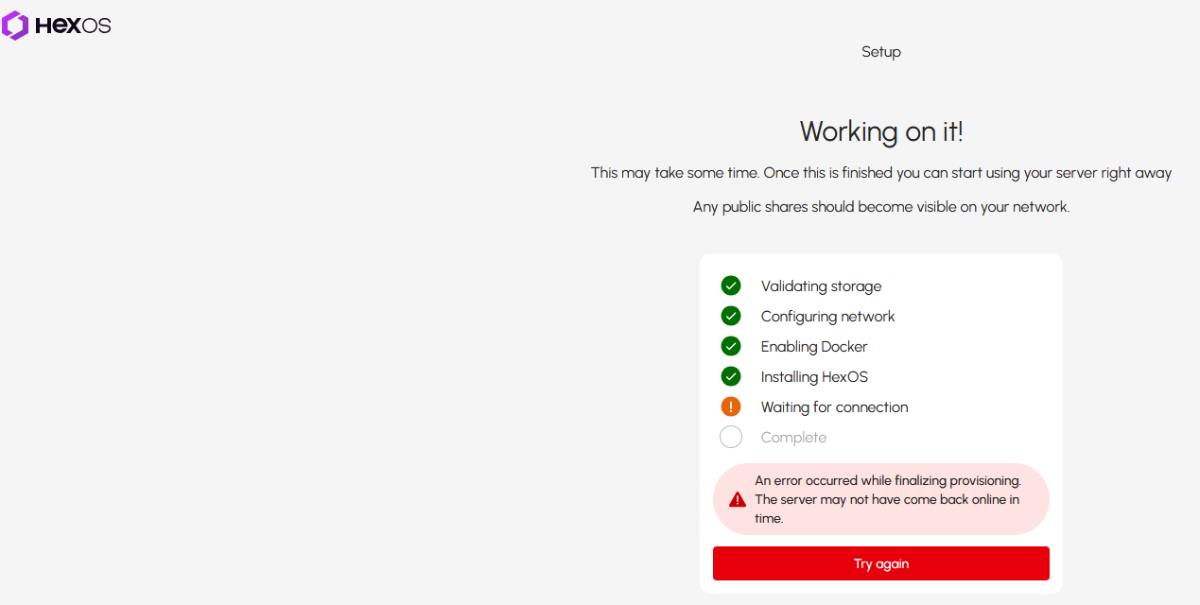
Hi, since the new HexOS update, I can't use the deck, server is still there, TrueNAS still accessible. I've unclaim and reclaim the server, but it's stuck on waiting for connection and will fail. HexOS now appears in the Applications tab on TrueNAS but will periodically try to start and then crash after running for a second, and there appears to be an update available. Thanks in advance for you help!
-
Thanks for answering all my questions once again 😄 But busy with real life atm. But yeah, my biggest concern right now, and pretty big, should I do it or not, is the noise problems. I did see some sound dampening with spring-powered dampers to make it so that the vibrations do not go into a cabinet or something, and use that as a speaker. I live in an apartment, so I don't have any internet in my storage box downstairs, sadly. So yeah any room I will probaly hear it so not sure what I could do now. My decissions so far: Case: Upgrading to Jonsbo N5 for ATX support and ATX PSU CPU: i5 12600k or any in 12xxx HDD's: 8-10TB seagate ironwolfs. Pro is just to expensive for me. SSD: AH samsung NVME not sure which one yet of 512 gb or higher as you suggested for promox Motherboard: Still looking for one PSU: since I am ATX now i will be using my gaming pc one 750 Watt crosair RME750 and buy ah 1000 watt for my pc. Memory: 2x 16 GB stick not sure if i should go for 5400 RPM or 7200RPM with 256mb cache.
-

server cannot be detected via deck.hexos.com
PsychoWards replied to nevolex's question in OS & Features
You can join the official discord and request help in there, this should get sorted out rather quickly. https://discord.gg/fCW2htvYdz -

server cannot be detected via deck.hexos.com
User1209 replied to nevolex's question in OS & Features
Thanks, appreciate it. I guess i'll just be using the regular TrueNAS interface until then. -
server cannot be detected via deck.hexos.com
PsychoWards replied to nevolex's question in OS & Features
You are in this scenario: -
server cannot be detected via deck.hexos.com
User1209 replied to nevolex's question in OS & Features
I'm also having the same issue. I just finished setting up the server yesterday, and I can only access the TrueNAS web interface, not HexOS Deck at all. When I go to deck.hexos.com and login, then login, it tells me my account was was upgraded to the HexOS Local platform (even though I never opted in), then it redirects me to sign in again, then it never finds the server even when I manually put in the local IP address. - Last week
-
 Thoman46 changed their profile photo
 -
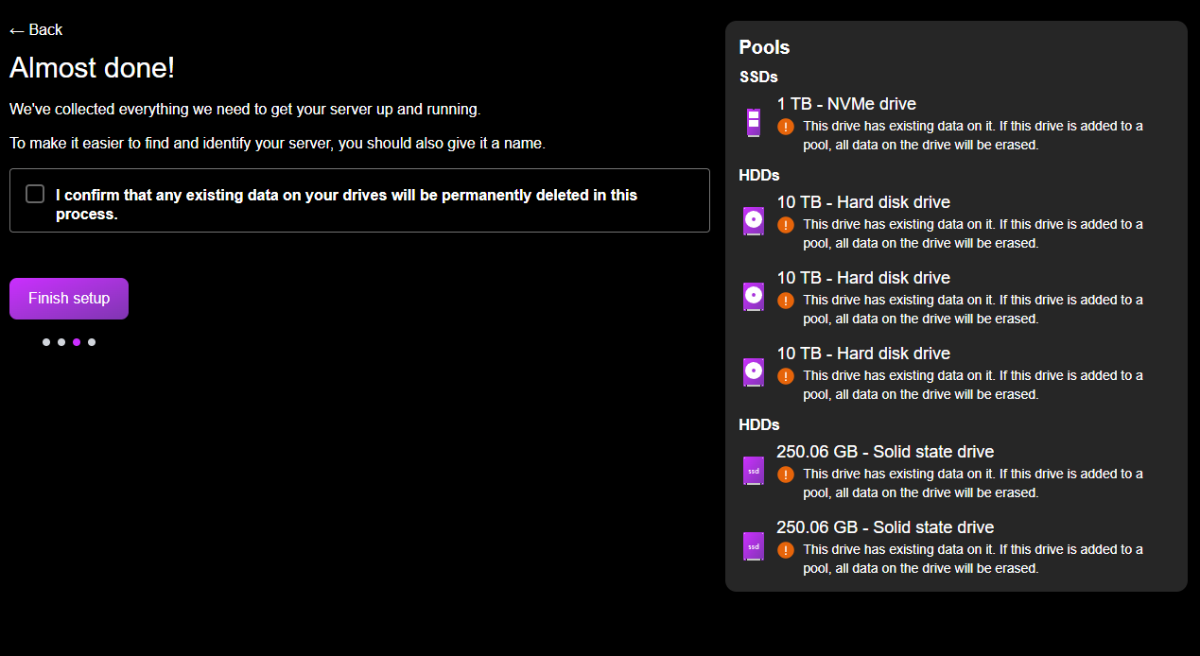
The new 1.0 update is trying to nuke my Drives at the end of the update...
PsychoWards replied to lolpaul's question in OS & Features
Hey, just click back on the top left and then skip. -

The new 1.0 update is trying to nuke my Drives at the end of the update...
lolpaul replied to lolpaul's question in OS & Features
Oh i skipped the recommended drive configuration step and it worked fine., -
Surely there is a way around this and i can still update...?
-
Follow up, @shpligthe updated driver's removed support for non-RTX cards as I understood so 10xx series and below no longer work with containers/apps but should still work with virtual machines because you install the drivers in the virtual machine and just have to make sure the card is passed through. @CosmoI am hoping the TrueNAS 26.1 update will address my specific card compatibility. A thread on the TrueNAS forum seems to suggest that NVidia driver 570. 172.08 is what shipped with Goldeye 25.10 and comparing that against the earliest Linux driver for the 5060 Ti on the NVidia website shows a driver version of 570.211.01. Long story short, I think this card just missed the boat on support but according to a recent TrueNAS blog post 26.1 adds NVidia driver 590.48 which means it'll definitely be supported on the next major HexOS release
-

Error too many open files even after updates
M4GI3R replied to Dirtscootdesigns5956's question in OS & Features
I followed the instructions and it solved the problem for me. Can confirm an instant CPU usage drop. Thanks! -
 Martoshe changed their profile photo
 -

Error too many open files even after updates
Turbocat777 replied to Dirtscootdesigns5956's question in OS & Features
Thanks for this, I have been getting these but ignoring them for the most part cause everything was still working and it kept persisting through new updates so I was worried but still ignoring it. I think I followed the steps correctly, the only thing I ran into was when pasting in the new service I found if you copy a space after "EOF" it doesn't exit correctly and you end up pasting the next commands in incorrectly. I've attempted to format the steps a big more clearly above. (if it's still wrong feel free to correct me and/or edit your post to clearly show the steps a bit better. (I am def still a novice with TrueNAS and linux/shell commands) -
server cannot be detected via deck.hexos.com
PsychoWards replied to nevolex's question in OS & Features
Hey, The Team believes there is a bug in Truenas itself related to the vendor service which triggers the command deck connection. This is currently under investigation. -
tried troubleshooting from all the posts I could find and nothing worked, very disappointed in this software :(
-
installed hexos for the 1st time and while trunas interface is accessible for me, and I am on the same network, the server cannot be detected via deck.hexos.com gateway and the name server is my router IP whiresharkl shows mdns traffic,,,
-
Hey, I would've thought PXE would've been a more popularlly requested feature in the community. Would love to see it included one day.
-
 Squirrel changed their profile photo
 -
 early changed their profile photo
 -
You can still run VMs in Hexos, but you need to go to the Truenas Gui. VMs will only be supported in the future in the Hexos GUI. But Proxmox is likely the better OS for your purposes and just put Hexos in a VM. 🙂 If you run Hexos as the OS, the 64GB SSD is more then enough. If you want to run Proxmox then get a bigger SSD (512GB or more) and make sure it's not connected to the same controller ass your HDDs. (Best is getting a NVME SSD anyway for Proxmox and the VMs). If you use Hexos as OS, you need 3 SSDs (1 for the boot drive, at least 2 for a mirrored pool for apps and VMs) while you only need 1 SSD if you use Proxmox as the OS, since you can install everything on the boot drive. Check this video to get a good overview of all the WD drives: But you can also go for Seagate and their IronWolf (Pro) or Exos Range. Unless you go for 10gbps networking, the speed difference in the drives is not going to be really noticable/worth the extra cost for most users. I'm using Intertech rack-mounted server cases. They are big, offer a lot of space and airflow and are ugly as hell and are ment to be mounted into a 19'' rack. 🙂 So yeah, unfortunately I cannot give you any none rack mounted recommendations. 🙂 You can use some PowerLAN adapters in the meantime if needed. 🙂 Yes, the rest can run over wifi, just the server absolutely needs to be connected via cable. Fan noise and HDD noise are a real thing and can be annoying. You don't need to have it good looking but noisy in the living room you can also put it noisy and ugly in the garage or cellar 🙂 Haha, no, my country is a lot smaller, but has the same flag, just with lighter blue and alternate is also available here =D 😉 If you have any more questions don't be afraid to ask them 🙂 Also, once you have your server speced out make sure to post it here as well so that we can take a look to avoid common pitfalls before buying 🙂
-
I did not. I had to manually reconfigure the permissions for users. Apps stayed in place without needing to do anything to the datasets.