All Activity
- Past hour
-
This one is entirely on me. I am traveling today but I will be working on getting this blog post up tomorrow (April 2nd). I'm also planning to hire someone to take over marketing/comms this year as a full time position.
-
Oh, that's unfortunate... Thanks for the info, will try
-
 Mahmoud.attia joined the community
 - Today
-
well 4 are connected but is there a way to fix it
-
 dthai joined the community
 -
Hey, yes unfortunately this seems to be normal for BX APC UPS. Those UPS are not the best ones and the driver does not work very well with them. The problem seems to be that the USB part of the UPS keeps disconnecting and reconnecting every couple of seconds leading to this messages. It's a known problem. My advice would be, if you can still return it, do so and try looking for an Eaton UPS or similar. https://forums.truenas.com/t/back-ups-bx1600m-false-battery-replacement-alerts/50688
-
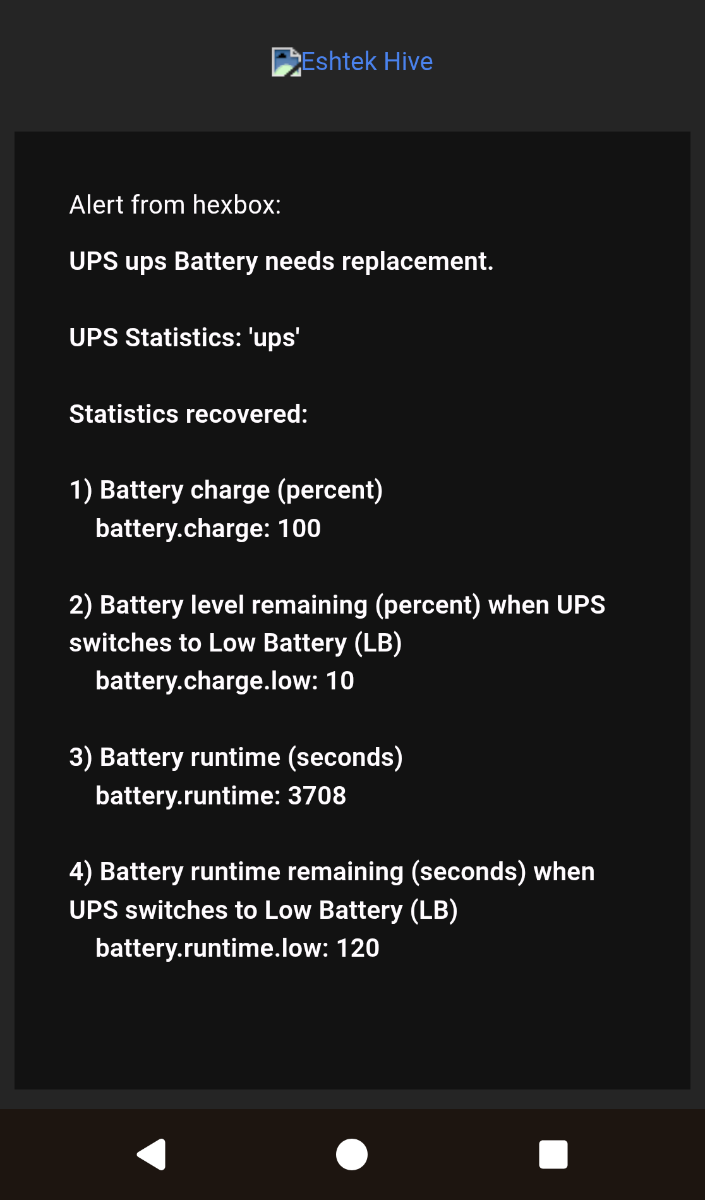
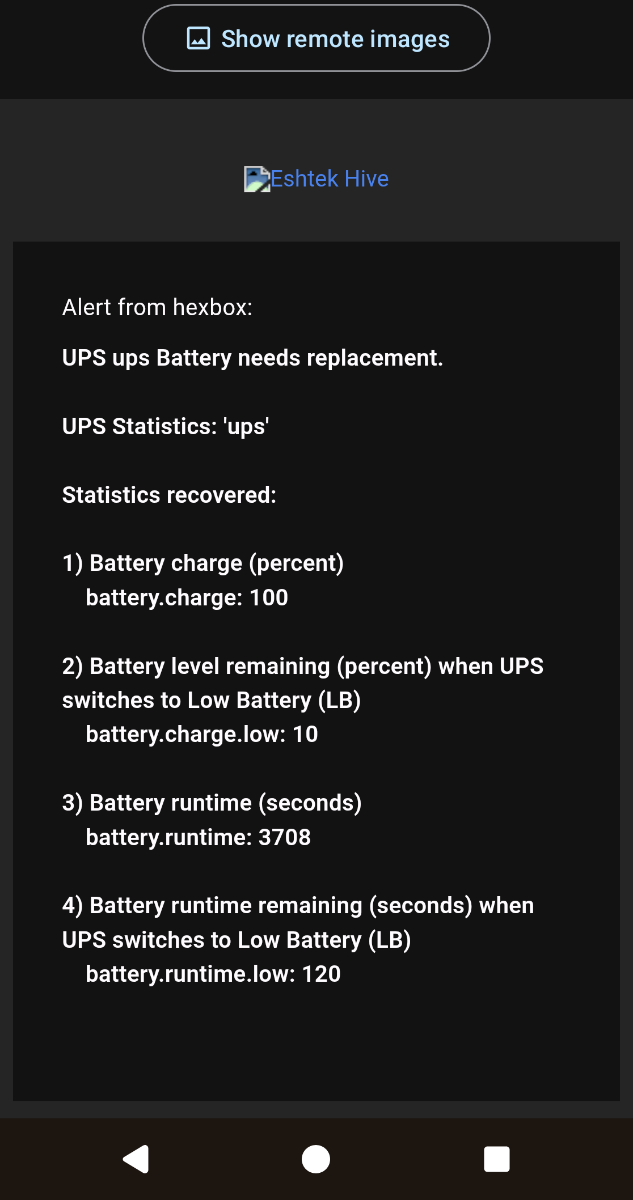
Hello there I just hooked up my APC bx750 via USB to my NAS. I was pleasantly surprised to get email notifications from hexos (see attachment), however I am unsure if it is reading the values correctly: - why is it telling me i need a battery replacement, it is brand new - why is it taking me battery is low while also reporting 100% charge Any inputs are welcome 😊

-
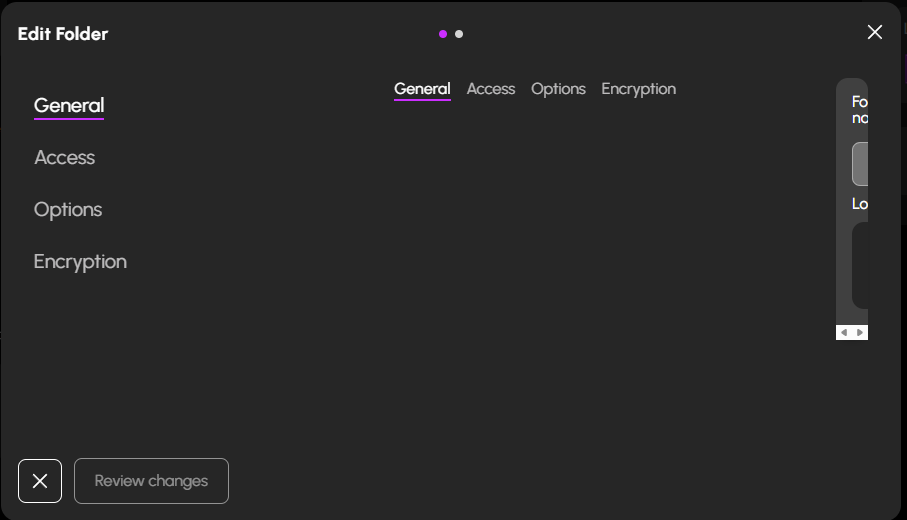
It seems to have happened after the latest HexOS update. This is what the UI looks like here. It's the same for General, Access, Options and Encruption. I've tried to clear the browser cache. I'm running Microsoft Edge.
-
 Whataboutbob joined the community
 -
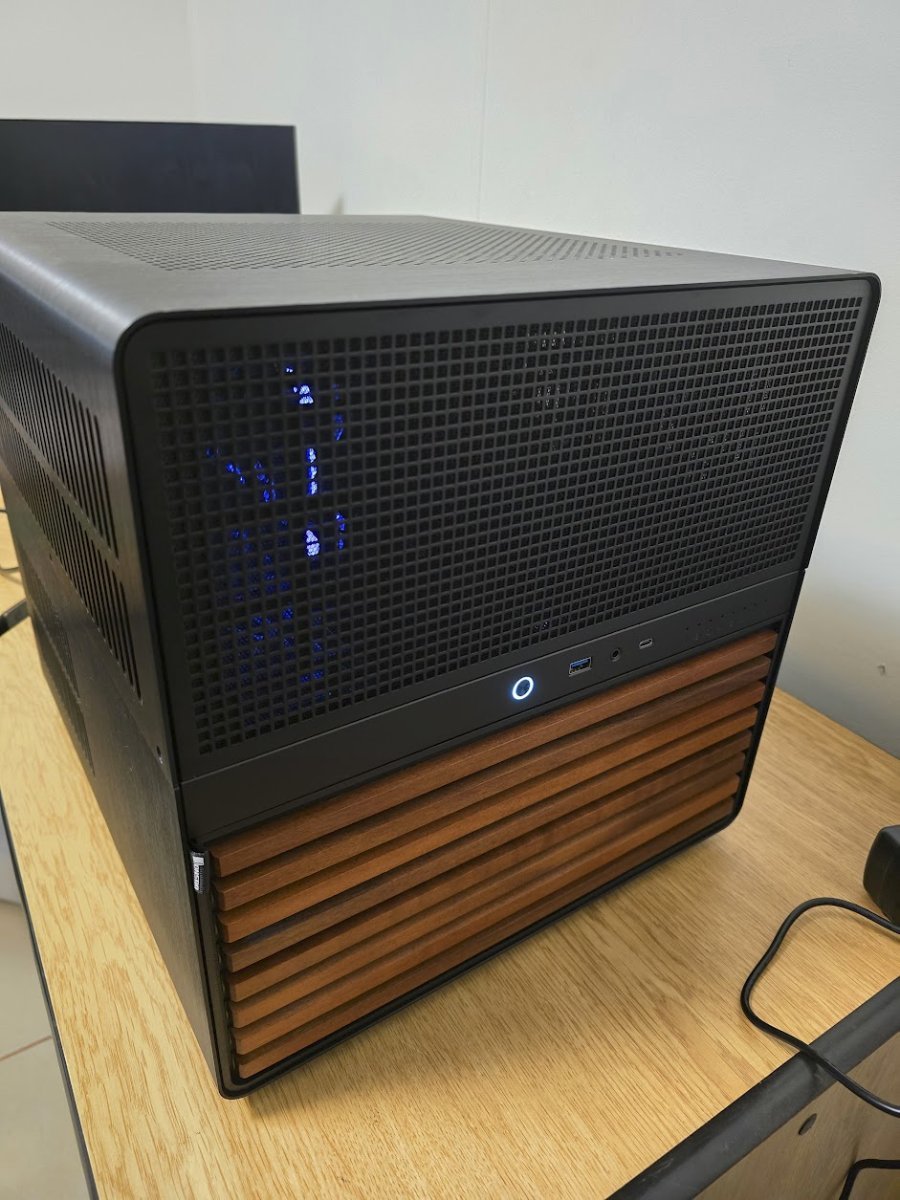
@Okibblewhite you may know the answer to this question. With the boards in the N5, Do I need both the sata and molex power connected? or would just the sata be enough? I am only using the small 4 bay atm, mainly because my PSU does not have enough plugs for the sata and molex for the main rack. Have not been able to find a clear response anywhere. The NSAcompare article said that either sata or molex would be fine.
-
Another month, huh? The least you could do is respect the people waiting with some communication ahead of time. Instead it's silence all day on release day and a last-minute delay notice as if it wasn't clear days ago this could happen. You created this self-imposed deadline,, nobody forced it. A delay with advance communication - fine. But the silence until 9 PM? That's just pure disrespect
-
Working on a blog post with an update. We had to push back to April due to some issues with our health system that we've been tracking down since February. The plan is to both begin the rollout of HexOS Local and complete the health system upgrades and then release 1.0 by end of April. I was hoping to get a blog up today with all of this information, but it just didn't come together fast enough.
- Yesterday
-
 forivall joined the community
 -
 stephan joined the community
 -
 HoiWhale joined the community
 -
 oktay1998 joined the community
 -
 Gajd3m changed their profile photo
 -
1.0 should be out today. When will it be pushed out?
-
 Ashlynn Cox joined the community
 -
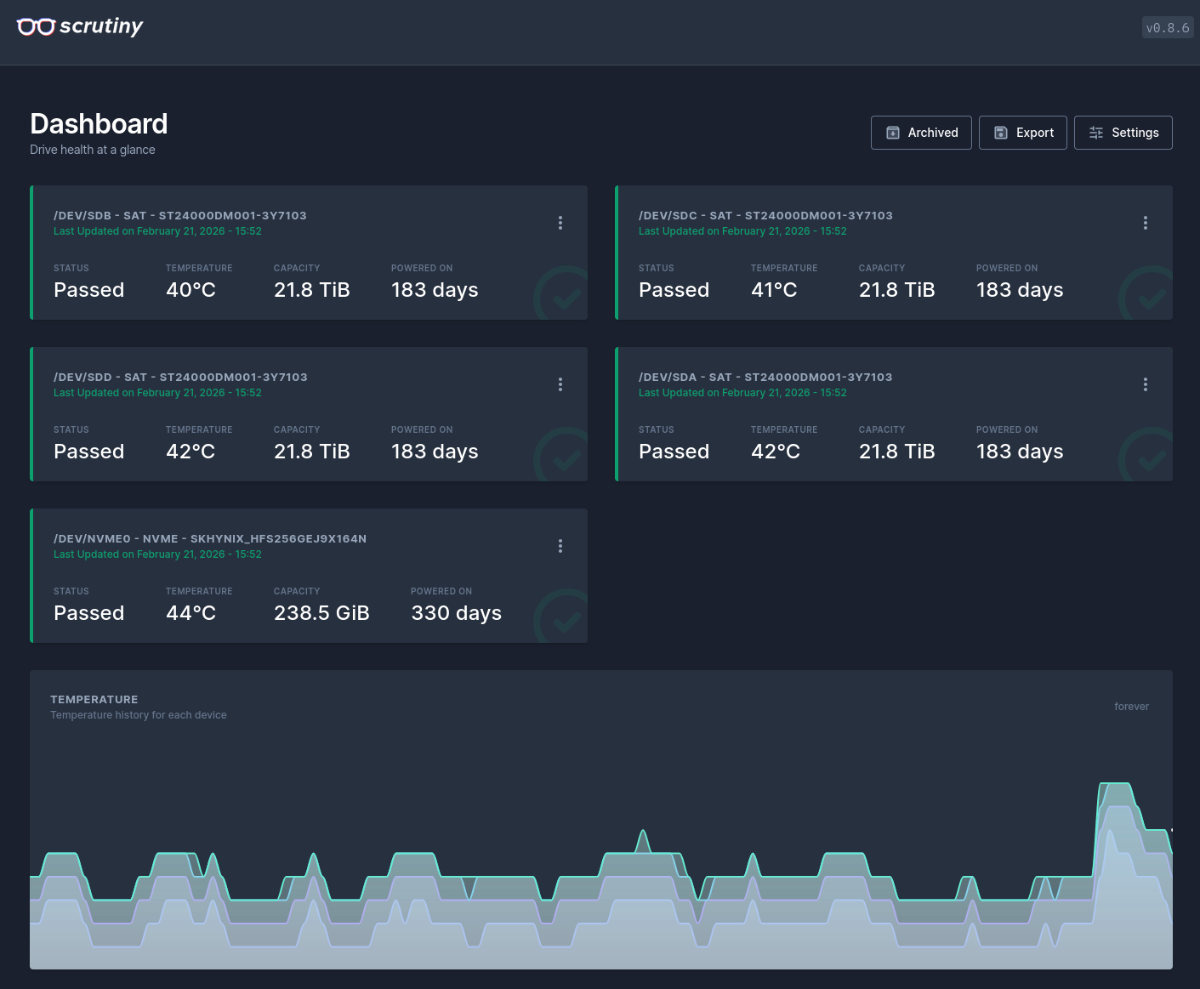
from you screenshot it looks like you only have 3 of the 4 harddrives that the pool consists of installed into the system.
-
Holy moly. I thought that 1 N5 was big. If the price for that much RAM didn't make me uncomfortable the realestate prices to store those two certainly would. Just finished putting mine together in the last 24 hrs.
-
 SimB joined the community
 -
 ThomasC joined the community
 -

Hardware and Storage options for first time Home NAS
PsychoWards replied to TheJagen's topic in Hardware
Look into Jellyfin as a completely free alternative to plex (which has a subscription model for certain things) and none of your GPUs are supported by Hexos. With Truenas Version 25.10 currently only GTX16 Series or newer (RTX Series) are supported, supported for everything up to GTX10 Series was dropped. Also make sure your motherboard doesn't have a Realtek NIC, if it does, it's possible and highly likely that it's not supported. In that case you need to get another NIC, preferably Intel. -
So that is enough to run a nas. My only issue is with drive selection, if you don't need sas I would stay away from it. My first nas I built for hexos was slapped together with random cheap 4tb drives I pulled from ebay and for it's lifetime I only lost 3 drives. So save some scratch and just focus on a better quality sata drive.
-
 TheJagen changed their profile photo
 -
Hi Everyone, I am looking to build my first home NAS out of an old PC and I'm wondering if I am going in the right direction or if there are any recommendations/changes that I should make. My old gaming PC i want to use has a 3930k, 16GB Ram, 200gb SSD and a GTX680 or GTX1080 in it (depending on requirements which one i end up leaving in there). The SSD will be the OS boot. I mainly want to use it for photo backup (Immich) and a plex (or other recommendation) media server. For the photo back up I want to be able to remotely back up mine and my wife's phone photos and view them. For the media server the main use case is over a 2.5g ethernet to 4k TV/Theatre PC and the occasional remote view on my phone or tablet/laptop. My main questions are about what storage solution i should use and if my current hardware is enough for a NAS and media server. I have found a good deal on refurbished SAS hard drives, 4x4tb dell enterprise so 12tb usable with 1 fail redundancy for about half the price of 4x ironwolf red 4tb. I do want to eventually add more drives but depending on pricing availability i may have to change to SATA for the new ones. I will be buying a pcie controller for the drives anyway so i don't mind getting a SAS or SATA and my MB has some on board SATA ports for future if required. if i decide to go SATA for future drives and have SAS currently can i add them to the partition pool or can i make a second pool out of the SATA drives or will it not let me have 2 kinds of drives at all. Is my current CPU powerful enough for HexOS and a Plex server, i heard there may be issues with encoding etc but will it work for just over network if i don't remotely watch. What recommendations do people have for a pcie SAS or SATA controller depending on what kind of configuration I decide on. Any help will be much appreciated and I cant wait to join the home NAS community 🙂
- Last week
-
 Zaink changed their profile photo
 -

What Apps Would we want to see Supported?
WoolieMammoth replied to Sam of Ham's topic in Applications
I would like to see Stoat server and other popular self-hosted Discord alternatives as curated apps given Discord's more recent issues. -
This was a while ago so I am unsure. I do not remember having to reset any permissions on the datasets I had though. I'm waiting on a secondary Dell server to come in and am going to spin up my test HexOS machine again, so I can let you know on that one once I get all that setup.
-
Yeah, I’m pretty keen to see this as an app or container. Crosstalk stated they’ll look at those features once all the main stuff is sorted out
-
I messaged the user. Thanks for the shoutout!
-
@jonp @mill3000
-
I bought Hexos 2 December 2024 for 99 USD. I didn't do anything with at the time because it was to early for me to try it, but loved the concept. I'm ready now to give it a try and turns out I never received a confirmation mail and the account credentials I stored in my Password Vault are not accepted (Hub and Deck). I checked my creditcard and I did pay the 99 USD at the time. The email I used at the time is the same as I used to create the account I'm posting with. Help would be much appreciated.
-
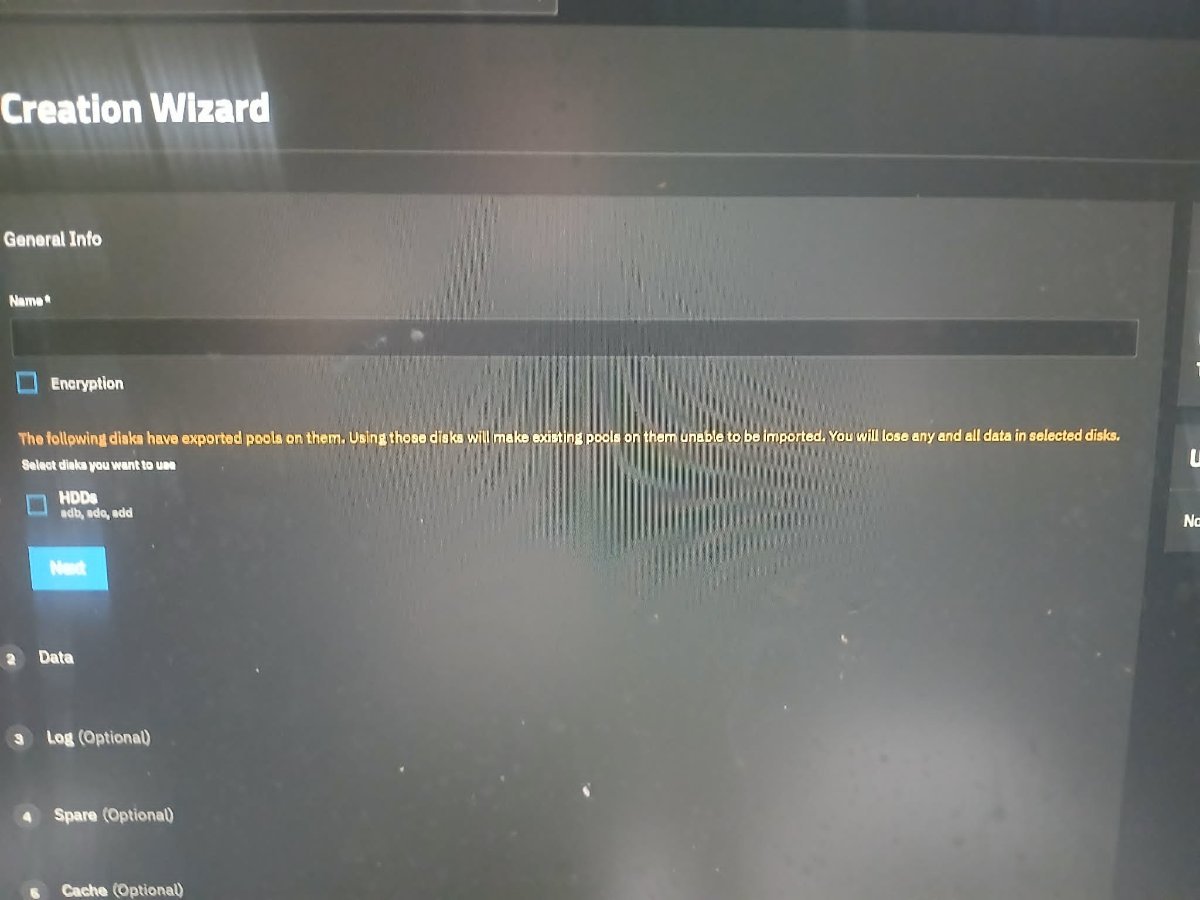
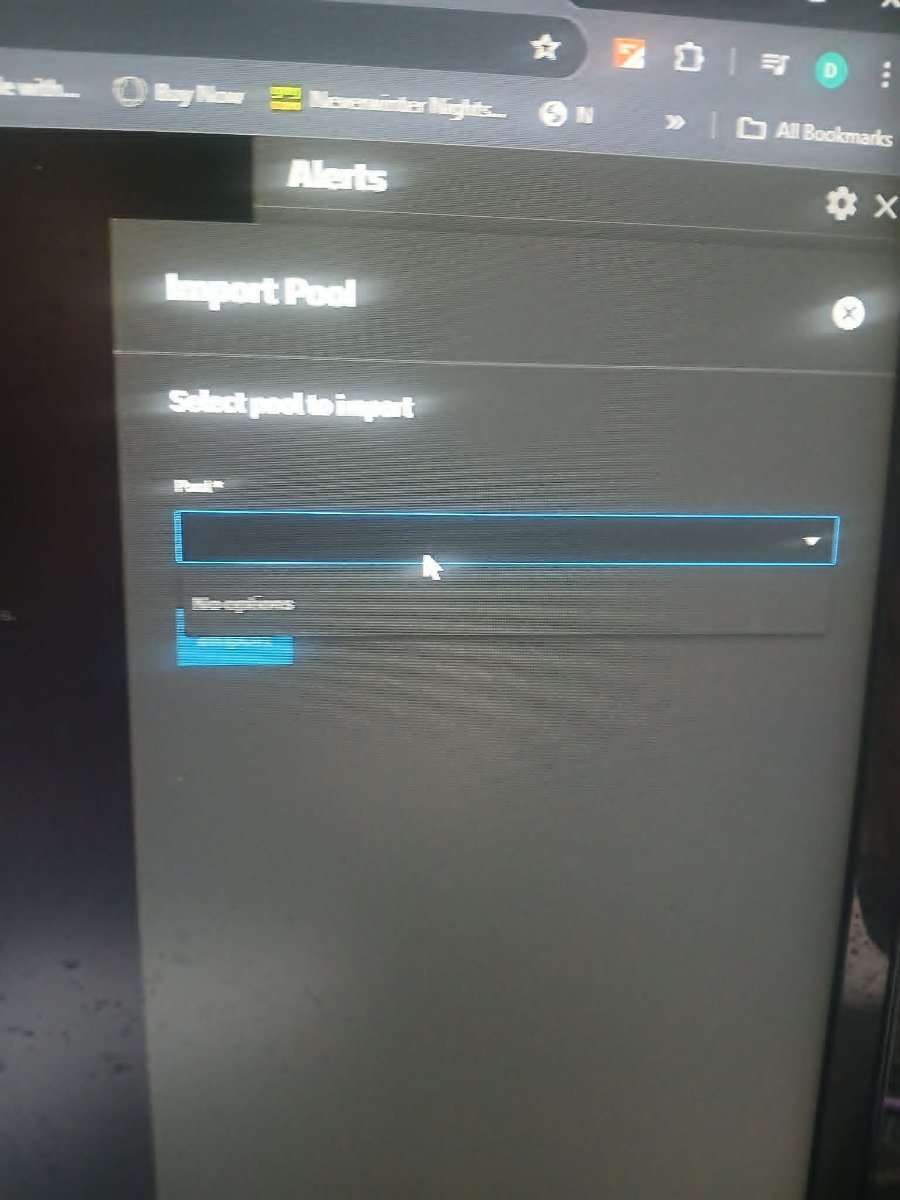
thats what its showing when i try to import it doesnt show but when i try to do it manually create it its saying there a pool allready
-
can you share a screenshot of the warning you get? when i test importing pools in the truenas Ui I see no warning.
-
Ah whoops, looks like it pasted the Discord link instead of the image and can't edit that post.
-
Dentro de la interfas de truenas, debes seleccionar la seccion de aplicaciones en la columna izquierda, dentro de la interfas de aplicaciones puedes ver todas las aplicaciones qie tienes instaladas, seleccionas la de imich y sale listado el puerto dentro de "workloads" o incluso puedes hacerle clic al boton "web ui", espero que te sirva!