Leaderboard




Popular Content
Showing content with the highest reputation on 08/07/25 in Posts
-
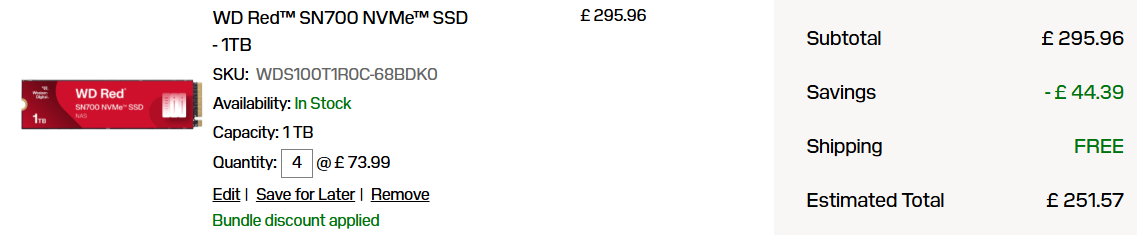
Yeah I couldn't decide on drives either. I found HDDs too slow to run VMs, and never spin down if apps were using them for storage. I experimented with an 'all NVME' setup (using small/cheap/spare drives) and found it suited my needs very well, so have just gone ahead and ordered 4 X 1TB WD Red drives for my next re-build. I don't know about the rest of the world, but if you order them direct from Sandisk (2 or 4 at a time) you can get them really cheap... https://shop.sandisk.com/en-gb/products/ssd/internal-ssd/wd-red-sn700-nvme-ssd?sku=WDS100T1R0C-68BDK0 I'll put it up in the 'show and tell' in due course...
 1 point
 -
Can the notification be changed slightly to make it clear it's a Command Deck update and not something locally we need to install? The notification said "HexOS has received an update" so people may be looking around to see where to update. You can see it's a Command Deck update if you click "Release notes are available here." but if you aren't the type to read release notes you may still get annoyed looking around for how to update your HexOS install. Not having a moan, just wanting to keep it as clear as possible for everyone - Thanks! EDIT: Actually now I'm not sure if it's actually an update we are meant to do or not 😂1 point
-
i'm thinking something similar to our smb instructions would be nice. Just a few links with write ups on how to setup rsync on different platforms.1 point