All Activity
- Today
-
 Detnuah joined the community
 -
 freemanone joined the community
 -
 squijello joined the community
 -
I have a similar situation.. Was able to login using trueNAS on my local network for a while. I tried rebooting and the TrueNAS access also ceased. My local network shows the server is not connected to the router from this point on, no matter how many reboots I did! I was able to boot using older version but all my apps and storage folders are missing. At least it is discoverable after this.. Applied update again and that seems to have fixed it. All the apps and shared folders are functional.
-
 mkennynola joined the community
 -
 DWP joined the community
 -
 Additionally (though it was a lot more common earlier last year), there was a problem where the web UI would just stop listening sometimes. I reported this several times and it has really gotten better but I still hold out hope the local UI will fix this completely. I don't have any actual proof of this but rather just the same fact that TrueNAS web interface still always connected. I think my record for server not available was over a three day weekend but bright and early monday morning I was connected again without doing anything.. Sorry that isn't very helpful but at least for me the connection always returned, just never as fast as I would have liked. And it was never addressed as to if these were planned datacenter outages or if someone just tripped on a cord. Yes Eshtek, I know that cord tripping thing isn't likely but if you never explain what's happening you leave the door wide open feo me to make up my own explanation.
 -
 I've heard that the hexos website caches info. Have you tired clear cache by use Ctrl+R, CTRL+SHIFT+R or CTRL+F5 ?
 - Yesterday
-
 L D Cossaboon joined the community
 -

Notification: Updates are available for 1 application
Duncan Innes posted a question in OS & Features
When user clicks a notification for an App Update and the slide-in panel shows on the right of the page, it would make sense to have a link in the Notification to the App which requires an update. Today I have to navigate to the App listings and then into Installed Apps. But even *then* I don't have any indication which app requires an update. I have to click on each of them to find out which App requires an update. Am I missing something which indicates the app requiring update?-
- 1
-

-
 IDDonuts joined the community
 -
 My experience has been pretty bad. I can’t access the NAS from the Dashboard after the TrueNAS 25.10 update, only through the TrueNAS web interface. I tried restarting the NAS and reconnecting the RJ cable, but it still doesn’t detect it. It just says: “This server is not available.” Has anyone else experienced this?
 -

Just bought the double license and I have a question about....
OrionArkk replied to OrionArkk's question in OS & Features
Thanks for the info. I'm noticing more and more I need to get a UPS. And this info is helpful. I h appreciated. -- Orion -
 CitizenChef joined the community
 -
-
 Nope ;( ran into the same problem today lost all my intergrations after needed to be shut down to add a USB device
 -
 glenvoeten joined the community
 -
Oof. I’ve been offline for the past month and missed the sale… bummer. Would have definitely purchased a second license if I had seen this in time. 😞 @Jon P if you read this and have any wiggle room send me a message and I’ll purchase right now. 🙂
-
 Are there plans to add other MFA possibilities than Google Authenticator? I'd really rather not have to use that app.
 -

Issue after update to 25.10.1. Can't access Hexos from deck any more.
thebert replied to Detnaw's question in OS & Features
I have this issue as well, only way to access through the hex os dashboard is by rebooting from the old update -
 Wolf Bite changed their profile photo
 - Last week
-
Hi HexOS, i started using this over the holliday since december 19th and find it fun but i dont have time or the spare hardware to run it. i wolud like a refund. it seems like a great product, but its still a bit to hard for my taste. i will be following the development and probably looking in to it at a later date. thanks in advance :D
-
 Do anyone know if this install script has been fixed/modified yet?
 -
Talk about a Sleeper Computer! ... on the back of the monitor? That's really interesting! Cudos.
-

HexOS update failed - How do I manually try to update again?
Brennan replied to Brennan's question in OS & Features
It's spotty, sometimes when I reboot it shows up in the dashboard, sometimes it doesn't. But as long as I don't reboot it, then it should be fine. There seems to be a problem when rebooting, sometimes it shows my server as offline after rebooting. Probably just a small bug. -

HexOS update failed - How do I manually try to update again?
Manders replied to Brennan's question in OS & Features
HexOS dashboard updates automatically as it is a website hosted by the HexOS team (untill the local UI is released). So if the underlying TrueNAS OS got updated, then you should be good. Or do have an issue with connecting to the HexOS dashboard? -
HexOS update failed - How do I manually try to update again?
Brennan posted a question in OS & Features
I recently visited the HexOS dashboard and saw there was an update available. I installed it remotely and wasn't able to access it remotely anymore. After I got home, I rebooted and plugged a monitor in and went into the dashboard again and saw that the update failed. I looked all around the HexOS dashboard and didn't see an option to check for the update or to retry the update. Now it looks like TrueNAS on the backend was updated, but not HexOS. How can I manually trigger the update again? -
 TheGlitch changed their profile photo
 -
I'm digging that case
-

Hexos issue with installing apps, viewing folders, and locations.
Mobius replied to bheberling's question in OS & Features
Sending you a DM. -

Hexos issue with installing apps, viewing folders, and locations.
bheberling posted a question in OS & Features
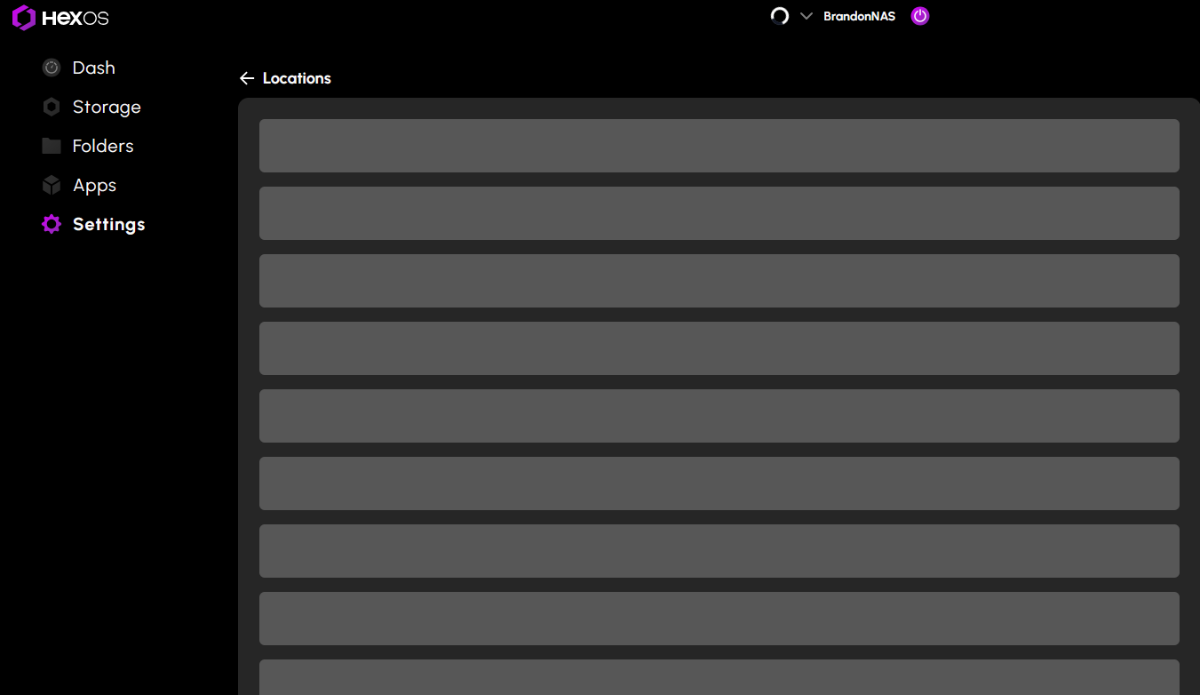
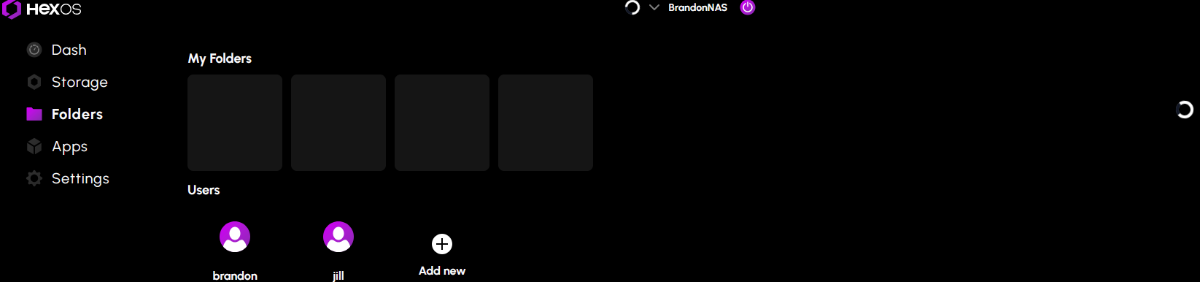
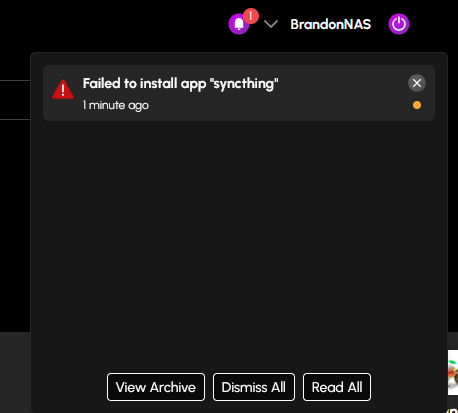
After the latest update. I was installing a few of the latest curated apps. The first two installed fine (nextcloud and scrutiny) then all app installs after that started failing due to timeout. I also noticed that the folders tab and the locations in settings will not load. Everything else looks to be loading correctly. I have rebooted the server a few times now and it still isn't working.
-
Very cool setup! I like it alot
-
Thank you, wanted to make sure it was the same problem.
-
 This is with the HexOS curated version of Plex. As far as I know, from previous threads, the TrueNAS Version configured using an ixVolume works because it has to do with a permissions error in the config. I just have Plex running on a different server and refuse to migrate it until the HexOS one-click app works as it should.
 -

Just bought the double license and I have a question about....
Riff.79 replied to OrionArkk's question in OS & Features
Hey there! For advanced uses you can set up the UPS functionality within trueness if you have a supported UPS (which is most modern - be with USB or network connected). While it is slightly more technical, can be done and it's not too hard. You can also setup Peanut which will interface with Nut in truenas and give you a nice GUI. -
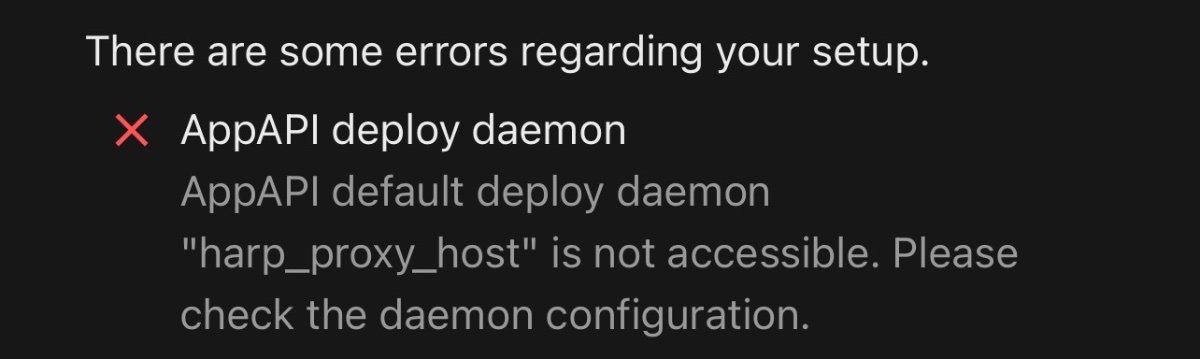
Hello guys! So, I’m new to the Homeland environment and I’m trying to install the Nextcloud AppApi so I can access the platform’s ExApps, but I’m having some difficulty because I’m not very experienced with this and I can’t get it to work. From what I understood, I need to install HaRP, but I haven’t found an “easy” tutorial to make it work. If anyone has a link or video that could help me, I’d really appreciate it! ”AppAPI deploy daemon AppAPI default deploy daemon "harp_proxy_host" is not accessible. Please check the daemon configuration.”