All Activity
- Past hour
-
 Do anyone know if this install script has been fixed/modified yet?
 - Today
-
Talk about a Sleeper Computer! ... on the back of the monitor? That's really interesting! Cudos.
-
 Raider8 joined the community
 -

HexOS update failed - How do I manually try to update again?
Brennan replied to Brennan's question in OS & Features
It's spotty, sometimes when I reboot it shows up in the dashboard, sometimes it doesn't. But as long as I don't reboot it, then it should be fine. There seems to be a problem when rebooting, sometimes it shows my server as offline after rebooting. Probably just a small bug. -
 mpantouris joined the community
 -
 Robchiks joined the community
 -

HexOS update failed - How do I manually try to update again?
Manders replied to Brennan's question in OS & Features
HexOS dashboard updates automatically as it is a website hosted by the HexOS team (untill the local UI is released). So if the underlying TrueNAS OS got updated, then you should be good. Or do have an issue with connecting to the HexOS dashboard? -
 Tp0070 joined the community
 -
 jorgen joined the community
 -
 Spenser joined the community
 -
HexOS update failed - How do I manually try to update again?
Brennan posted a question in OS & Features
I recently visited the HexOS dashboard and saw there was an update available. I installed it remotely and wasn't able to access it remotely anymore. After I got home, I rebooted and plugged a monitor in and went into the dashboard again and saw that the update failed. I looked all around the HexOS dashboard and didn't see an option to check for the update or to retry the update. Now it looks like TrueNAS on the backend was updated, but not HexOS. How can I manually trigger the update again? -
 CorpTech joined the community
 -
 etoiles97 joined the community
 -
 joewalk102 joined the community
 - Yesterday
-
 TheGlitch changed their profile photo
 -
I'm digging that case
-

Hexos issue with installing apps, viewing folders, and locations.
Mobius replied to bheberling's question in OS & Features
Sending you a DM. -

Hexos issue with installing apps, viewing folders, and locations.
bheberling posted a question in OS & Features
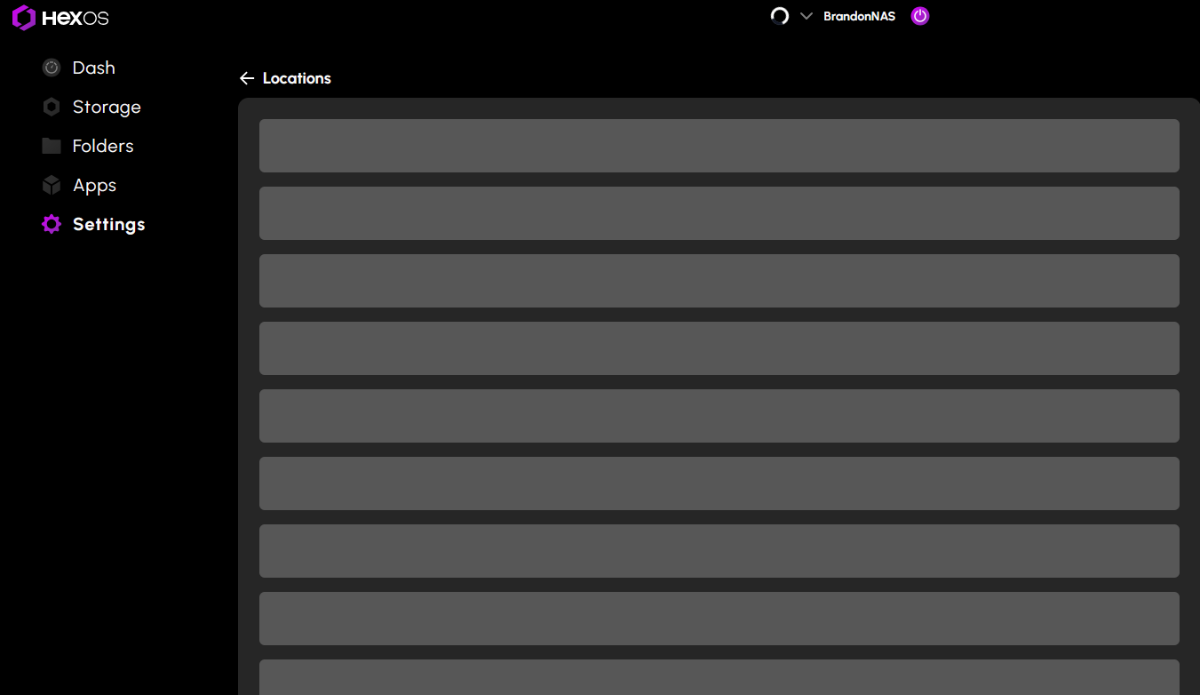
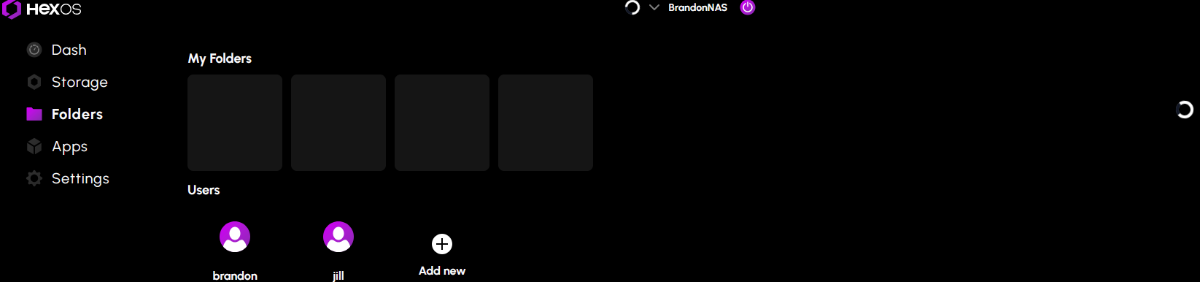
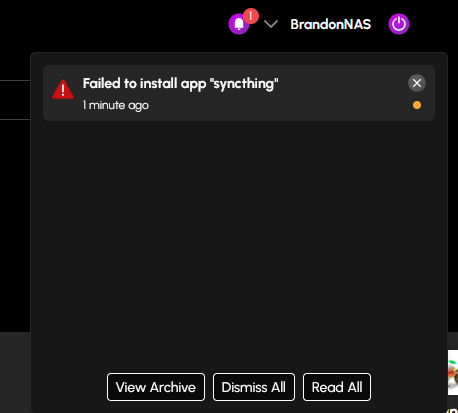
After the latest update. I was installing a few of the latest curated apps. The first two installed fine (nextcloud and scrutiny) then all app installs after that started failing due to timeout. I also noticed that the folders tab and the locations in settings will not load. Everything else looks to be loading correctly. I have rebooted the server a few times now and it still isn't working.
-
Very cool setup! I like it alot
-
 Thank you, wanted to make sure it was the same problem.
 -
 This is with the HexOS curated version of Plex. As far as I know, from previous threads, the TrueNAS Version configured using an ixVolume works because it has to do with a permissions error in the config. I just have Plex running on a different server and refuse to migrate it until the HexOS one-click app works as it should.
 -

Just bought the double license and I have a question about....
Riff.79 replied to OrionArkk's question in OS & Features
Hey there! For advanced uses you can set up the UPS functionality within trueness if you have a supported UPS (which is most modern - be with USB or network connected). While it is slightly more technical, can be done and it's not too hard. You can also setup Peanut which will interface with Nut in truenas and give you a nice GUI. -
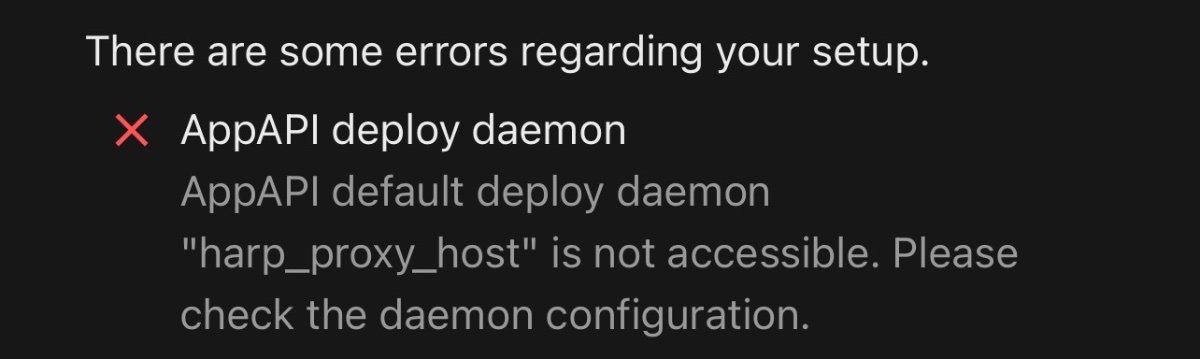
Hello guys! So, I’m new to the Homeland environment and I’m trying to install the Nextcloud AppApi so I can access the platform’s ExApps, but I’m having some difficulty because I’m not very experienced with this and I can’t get it to work. From what I understood, I need to install HaRP, but I haven’t found an “easy” tutorial to make it work. If anyone has a link or video that could help me, I’d really appreciate it! ”AppAPI deploy daemon AppAPI default deploy daemon "harp_proxy_host" is not accessible. Please check the daemon configuration.”
- Last week
-
Is this with the HEXOS version of plex or the TrueNAS version with the "Plex Configuration Storage" Type on a ixVolume ?
-
 I'm trying to set up and get going with immich, and the install goes fine. I have my google takeout in zip files, and a user-api key with all permissions. All of this works fine, however immigh-go rather quickly (after ~10 GB if data) runs into an error 500. Checking the server log from the truenas UI, I can see this is due to a permissions error, when immich is trying to copy a file. [Nest] 22 - 01/05/2026, 10:02:24 AM ERROR [Api:ErrorInterceptor~m4efv5f7] Unknown error: Error: EPERM: operation not permitted, copyfile '/data/upload/ce291ead-c9e1-433e-ba3a-de52c06d51bb/66/de/66de1127-26d4-435a-800f-0628803a8965.JPG.xmp' -> '/data/upload/ce291ead-c9e1-433e-ba3a-de52c06d51bb/82/5b/825ba53f-5e9c-456b-a96f-96b0ca3efc36.JPG.xmp' 2026-01-05 18:02:24.099069+00:00Error: EPERM: operation not permitted, copyfile '/data/upload/ce291ead-c9e1-433e-ba3a-de52c06d51bb/66/de/66de1127-26d4-435a-800f-0628803a8965.JPG.xmp' -> '/data/upload/ce291ead-c9e1-433e-ba3a-de52c06d51bb/82/5b/825ba53f-5e9c-456b-a96f-96b0ca3efc36.JPG.xmp' 2026-01-05 18:02:24.099097+00:00at async Object.copyFile (node:internal/fs/promises:621:10) 2026-01-05 18:02:24.099101+00:00at async AssetService.copySidecar (/usr/src/app/server/dist/services/asset.service.js:175:9) 2026-01-05 18:02:24.099104+00:00at async AssetService.copy (/usr/src/app/server/dist/services/asset.service.js:151:13) 2026-01-05 18:02:24.099112+00:00[Nest] 22 - 01/05/2026, 10:02:24 AM ERROR [Api:ErrorInterceptor~hsepvkht] Unknown error: Error: EPERM: operation not permitted, copyfile '/data/upload/ce291ead-c9e1-433e-ba3a-de52c06d51bb/ce/59/ce594961-1e68-4a6e-927a-e24886a53a97.JPG.xmp' -> '/data/upload/ce291ead-c9e1-433e-ba3a-de52c06d51bb/b5/48/b5488a04-5297-4252-9b9e-736b12c696d7.JPG.xmp' I have tried uninstalling immich and removing all folders associated with it, but this doesn't seem to help I have tried disabling the SMB share for the photos folder, but that's also not helping. Any idea where to look next for me?
 -

Server doesnt show up after Goldeye update
mozzi75 replied to Marc Rütimann's question in OS & Features
Got it online again had to update on TrueNAS the Network Settings and enable ipv6. since then it is online again. very strange -
Server doesnt show up after Goldeye update
mozzi75 replied to Marc Rütimann's question in OS & Features
same here TrueNas is online. but no HexOS! -

Server doesnt show up after Goldeye update
OllieJabuggar replied to Marc Rütimann's question in OS & Features
I had that issue today. I couldn't get Command Deck or online UI on multiple devices, phone and desktop, I powered the server off manually and powered it back on. Everything was back to normal. -
Was really hoping that this update, including automatic GPU detection, would resolve the Plex Intel GPU issues that have plagued HexOS since the beginning. No luck :( Still seeing the same issues. Jan 05, 2026 13:47:09.614 [139751593986872] DEBUG - [Req#cdc/Transcode] Codecs: testing hevc (decoder) with hwdevice vaapi Jan 05, 2026 13:47:09.614 [139751593986872] DEBUG - [Req#cdc/Transcode] Codecs: hardware transcoding: testing API vaapi for device '/dev/dri/renderD128' (Intel Raptor Lake-S GT1 [UHD Graphics 770]) Jan 05, 2026 13:47:09.614 [139751593986872] ERROR - [Req#cdc/Transcode] [FFMPEG] - Failed to initialise VAAPI connection: -1 (unknown libva error). Jan 05, 2026 13:47:09.614 [139751593986872] DEBUG - [Req#cdc/Transcode] Codecs: hardware transcoding: opening hw device failed - probably not supported by this system, error: I/O error Jan 05, 2026 13:47:09.614 [139751593986872] DEBUG - [Req#cdc/Transcode] Could not create hardware context for hevc Back to uninstalling Plex and waiting for the next round of updates!
-
Yes, i'm in the eu. I decided to ditch the secondhand hardware and go for new. I have a I5-14600K on the way with a MSI MAG Z790 Tomahawk Max WIFI and 32GB Crucial Pro CP2K16G56C46U5. If you have any better idea's please share. The hardware hasn't left the wharehouse yet.
-
Hi all. I was not sure is this the right place to post this. So some time ago i stumble on https://thelounge.chat/ . It is an IRC Client, web based, the most modern one ive seen. Is it possible to be integrated as an app in hexos ?
-
Ah, that makes sense why my 970 isn't working after the update to Goldeye. It works fine for my needs so I don't want to update that HW, so I'll try Fangtooth for now. Thanks for the info!
-
 Just a point of data: I updated and had no issues. Everything is working as it did before the update. -- Orion
 -
 mangaman changed their profile photo
 -
Does power consumption matter? Amd I guess you are in the eu
-
 Tdio97 changed their profile photo
 -

Server doesnt show up after Goldeye update
SiDroid replied to Marc Rütimann's question in OS & Features
I was not able to get my server to be discoverable on the new update, even with the method above. However, I was able to return to a functioning state by booting to the previous version by connecting a monitor and keyboard directly to the server and changing the automatic boot option from the default newest version to the previous stable version during the 10 second window it gives.