Search the Community
Showing results for tags 'network'.
Found 4 results
-
I was trying to set up a next cloud server so I could access my nas from anywhere. Problem was my server only had a local ip address you know a 10.0.0.123 type of address. I went into the hexos networking settings to try and change it. Instead of having a manual I p address, I changed it to automatic. This caused the website to stop( i'm assuming to switch from a local IP to a public IP) i waited several minutes for it to start up again with no luck. I went onto the nasa itself, and I plugged in a monitor and keyboard and I got alot of issues with characters that shouldn't be there to and a bunch of different graphical issues. I tried to at least put it back to a local ip So I could have my nas back but with no luck. Now it won't show up on my network as a hexos server when I type in the Ip address that used to be, for hexos, it goes to true nas. All of this, because I wanted a public I p address and yeah I did (ip add) in the linux terminal but all I got was a long list of characters that didn’t give me the ipv 4 or 6. Im at a loss of what to do next. I cant access any of my files and im concernd i wont have access to them without doing a fresh install of hex os but if i do that it will reformat the drives. please help.
-
In 2026 I'm gonna try sort my backup situation once and for all; mine, my family and friends. At the moment, I only have the HDDs... and much to learn. On Reddit, reading about BitRot I noticed someone mentioning that if you get an AMD 5600XT, and ECC compatible Motherboard and RAM, you can make an ECC + BitRot protection system that will keep NAS files uncorrupted. Since hardware prices have gone crazy, and are due to become crazier really soon... I' researched that: €180 - Intel i5-12500 is the lowest team blue consumer CPU that's ECC compatible available €230 - Intel Core i5-14600K (with iGPU) is the lowest price team blue consumer CPU that's ECC compatible available €140 - AMD Ryzen 5 5600XT is the lowest team red consumer CPU that's ECC compatible available Since in an "always on" system the TDP matters, 65W vs 125W is quite a big difference. But if one considers using the GTX 1080 GS 180W I retired some months ago, the TDP switches teams. So, considering getting ECC DDR4 ('cause I came out late to the DDR5 party), and having learnt that some Network Cards are not FreeNAS compatible yet, I would like appreciate if anyone has validated any of the configurations base CPU's and please do tell which Motherboards have you chosen? My main goals for an HexOS server are mainly remote Backups and little Streaming. So I doubt a dedicated graphics card will lend important performance. Also, do have any suggestions on cheaper ECC hardware available to get atm? Perhaps 2nd hand, although in Portugal there aren't that many IT companies that have upgraded Workstations or Servers.

-
I wanted to name Network 1 and Network 2 with Display Names like 1G or 10G. Thought maybe those were reserved names so I tried to name it Slippy. Nope. Same error 500. Full page error. Very limited information. Hope this helps. 500 this._def.values is not iterable
-
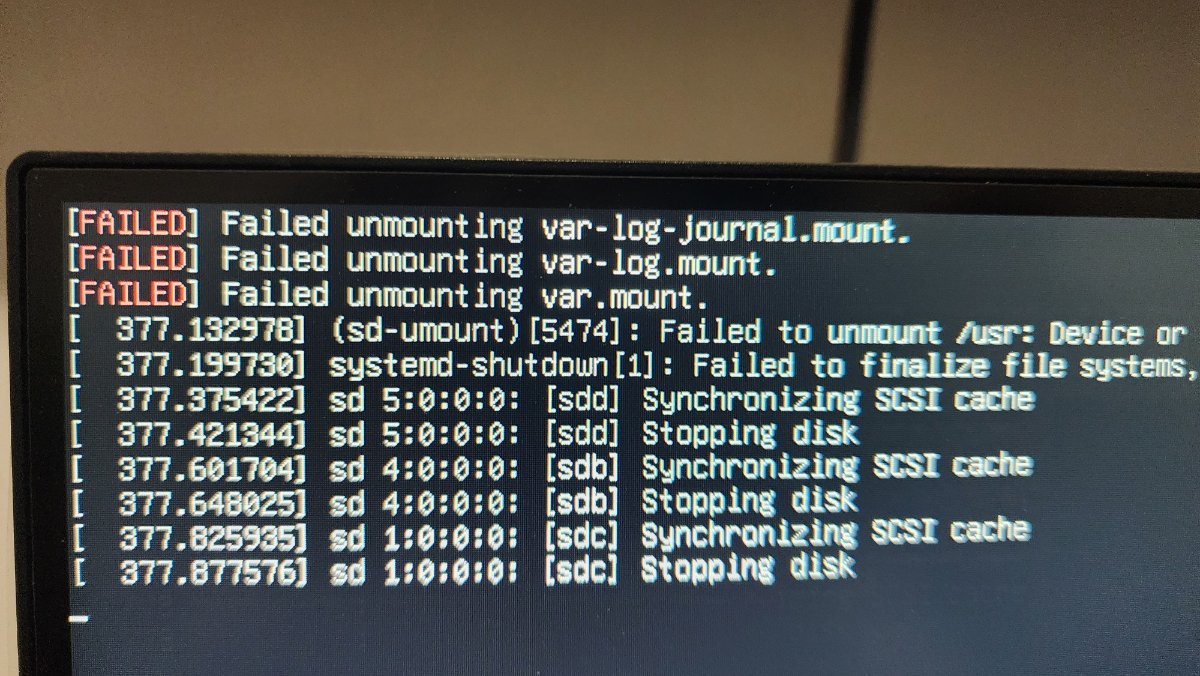
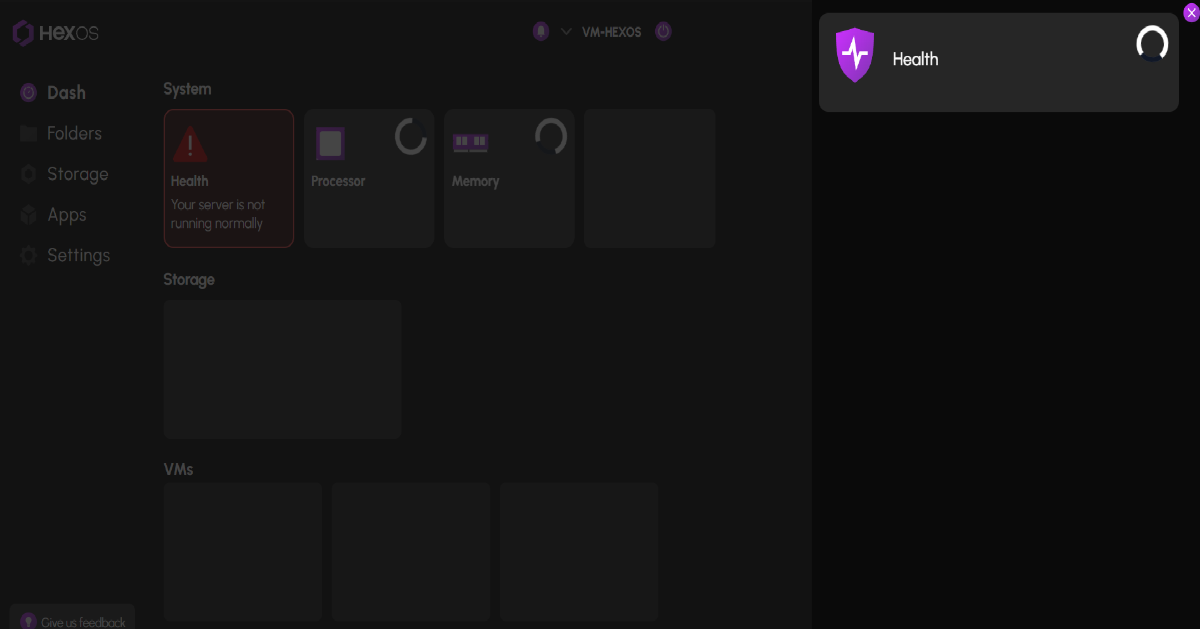
Mesed around with the network configuration, don't know what (I know my way around tutorials but not tech sabby at all) Dashboard connects but loops infinitely, trying to diagnose itself I guess, tryed to reinstall but also loops on a "Console Setup" menu, briefly shows "FAILED" task before turning off.



.thumb.jpg.d425f5686578c997f4b542ab07344f79.jpg)