Gino
-
Posts
19 -
Joined
-
Last visited
Content Type
Profiles
Forums
Articles
Blogs
Store
Everything posted by Gino
-
yes with hex os itself. Last night it said there was an update i dont remeber the version number, but it was something like X.4.2 >>> X.10.1 (X= number i dont remember). I clicked download and let it go all night long (8 hours). I woke up couldnt connect to my nas. had to walk into the room and push and hold the power button to turn the pc off, then turn it back on, and got that error. now i dont see the update notification, and I can't check the version number bc idk where the version number is.
-
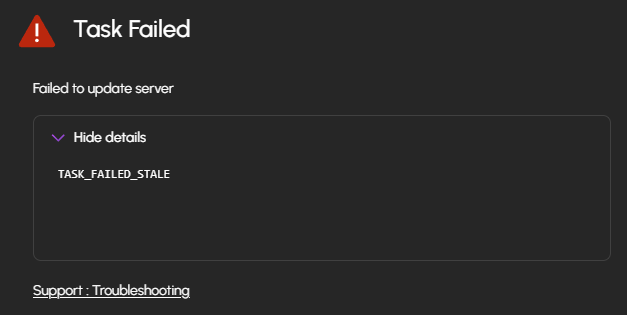
I tried to update my server, and it didn't work. Does anyone have any idea why?

-
Or another idea i had. i could disconnect all drives associated with the boot drive and reinstall hex os. BUT i know it was a big issue on launch that doing so would result in your old drives having to be reformatted. I'm not sure if that was ever adressed but that is another thing I could do. Does anyone know if that is possible, reinstalling hex os but keeping all data on the pooled drives?
-
i dont realy know what pictures to share or other information i should include so anything you need me to send ill do my best to navigate the onboard UI and snap a few pics. untill then the nas is off just bc i dont know what its doing when its on
-
I was trying to set up a next cloud server so I could access my nas from anywhere. Problem was my server only had a local ip address you know a 10.0.0.123 type of address. I went into the hexos networking settings to try and change it. Instead of having a manual I p address, I changed it to automatic. This caused the website to stop( i'm assuming to switch from a local IP to a public IP) i waited several minutes for it to start up again with no luck. I went onto the nasa itself, and I plugged in a monitor and keyboard and I got alot of issues with characters that shouldn't be there to and a bunch of different graphical issues. I tried to at least put it back to a local ip So I could have my nas back but with no luck. Now it won't show up on my network as a hexos server when I type in the Ip address that used to be, for hexos, it goes to true nas. All of this, because I wanted a public I p address and yeah I did (ip add) in the linux terminal but all I got was a long list of characters that didn’t give me the ipv 4 or 6. Im at a loss of what to do next. I cant access any of my files and im concernd i wont have access to them without doing a fresh install of hex os but if i do that it will reformat the drives. please help.
-
Update: I am still having issues, and on top of that, i got an email that said: "Pool HDDs-4 is offline, not running scrub." this just popped up while my NAS was running. The NAS is still able to get data from it, i just can't add new pools or see existing ones or folders
-
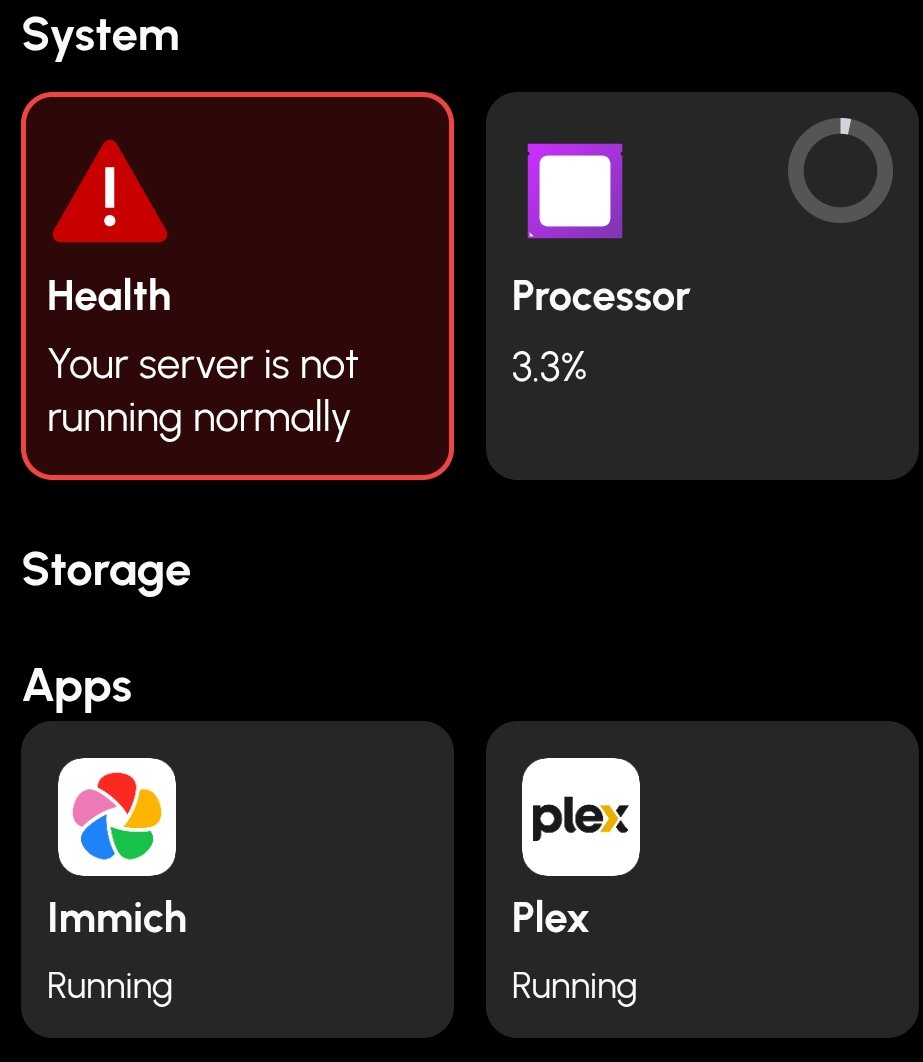
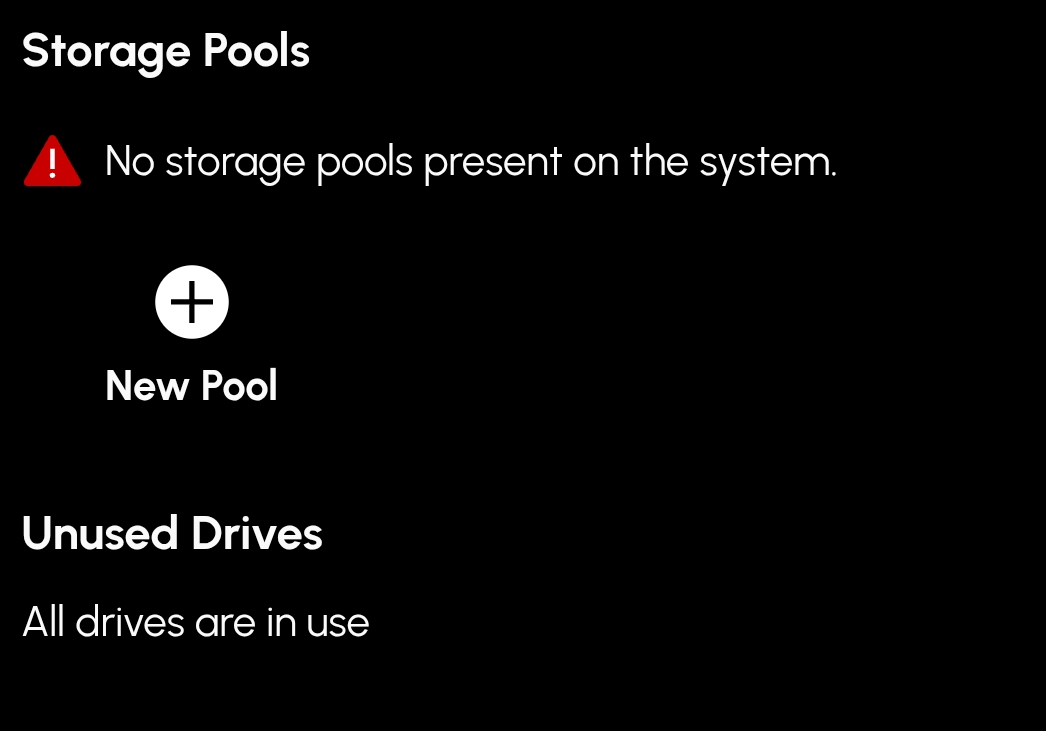
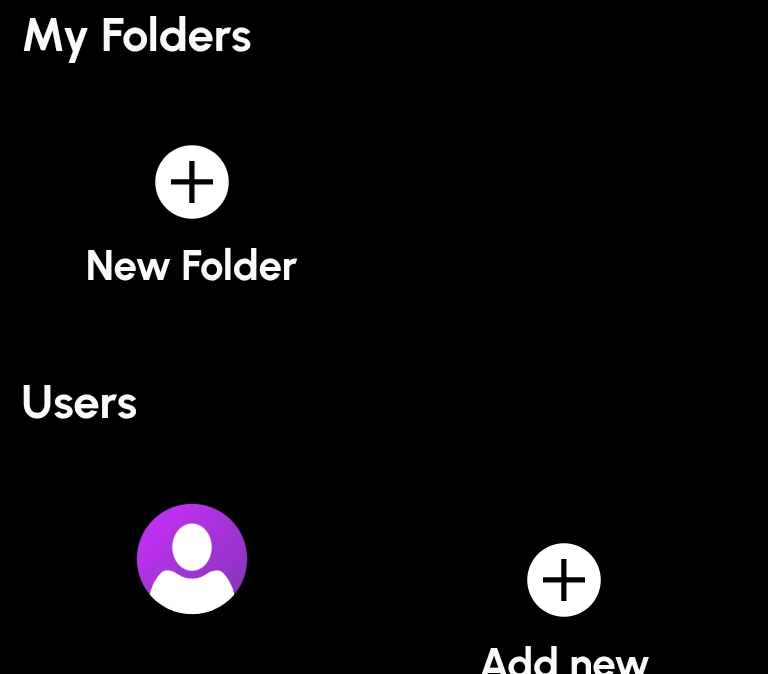
Im having an issue where my server is not displaying any of my pools/ folders and the health icon is not giving me any information about i it just says "Your server is not running normally". I just installed a pcie to sada adapter so I could add 2 more drives to my system. I powered down the system installed it, set up the new drives as a pool and after that im having this issue. I uninstalled the pcie card and took out the new drives but the issue persists after everything was back to the way it was before. I took a few pics of what im seeing if anyone has any idea of how to fix this i would appreciate it.