celliott113
-
Posts
3 -
Joined
-
Last visited
celliott113's Achievements






-
This is very true. There are thousands of possibilities out there that can cause similar issues. To those out there with the same issue, if you try Mobius' "fix" and it doesn't work for you, don't blame the command as it could be any number of reasons causing the issue. Especially since everyone's servers are different from hardware and BIOS to network/internet stack and settings. Since I am reusing an older Dell OptiPlex that work gave me during our last PC refresh, I have a second one that's exactly identical since we purchase these machines in bulk and will see if the same issue occurs and if the same command fixes it. Maybe I'll get lucky and it works right off the bat or maybe I'll have to send the command again. If the results are the same knowing the variables are the same then it COULD be hardware related. Only way to really tell is to wipe this machine and try again on a different network/internet provider.
-
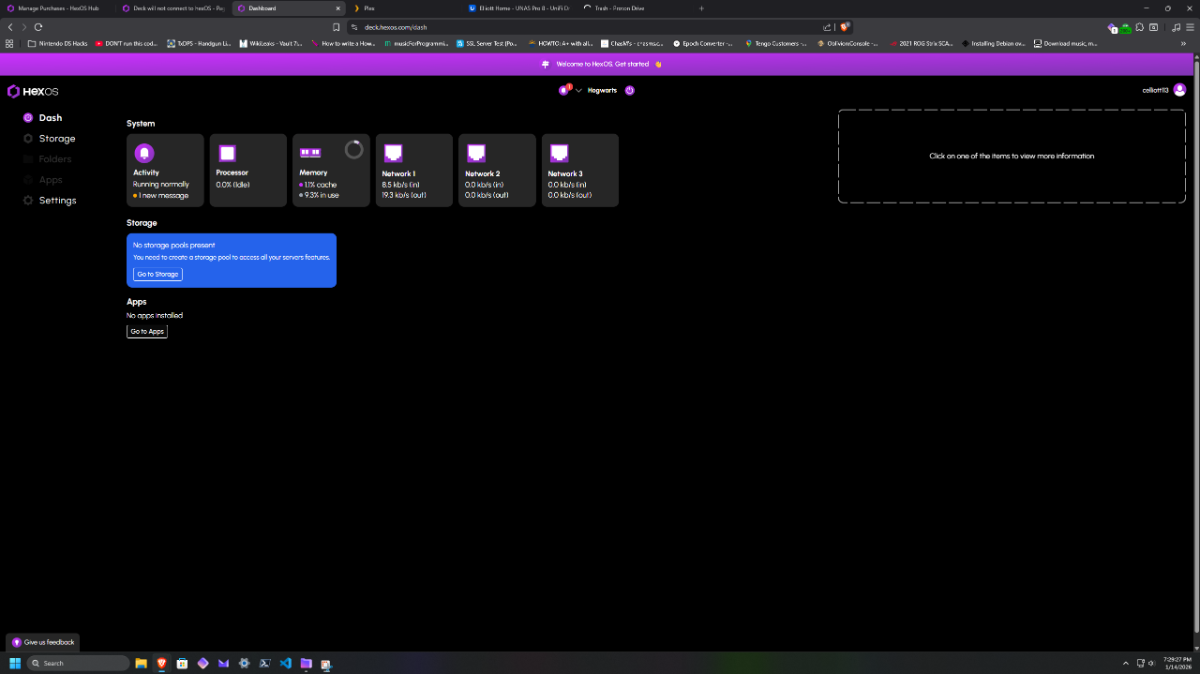
Hi there Mobius, Apologies for the delayed response. That command appeared to work and is now showing up in the portal! Thank you! Thank you!

-
 celliott113 changed their profile photo
 -
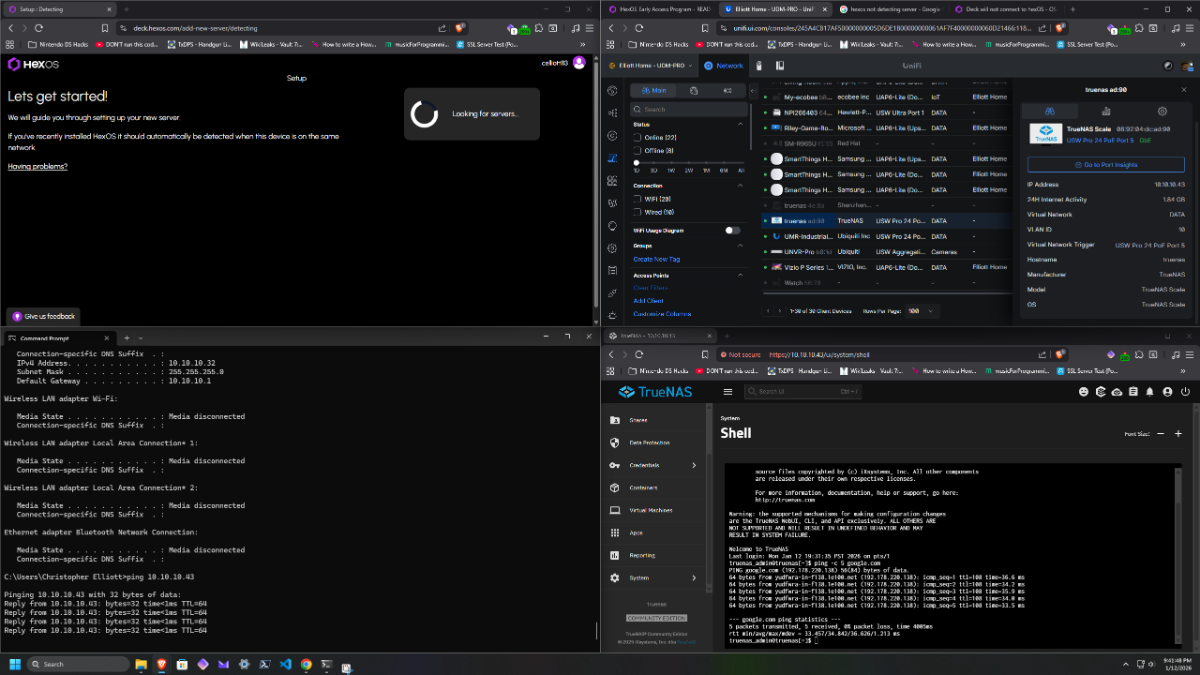
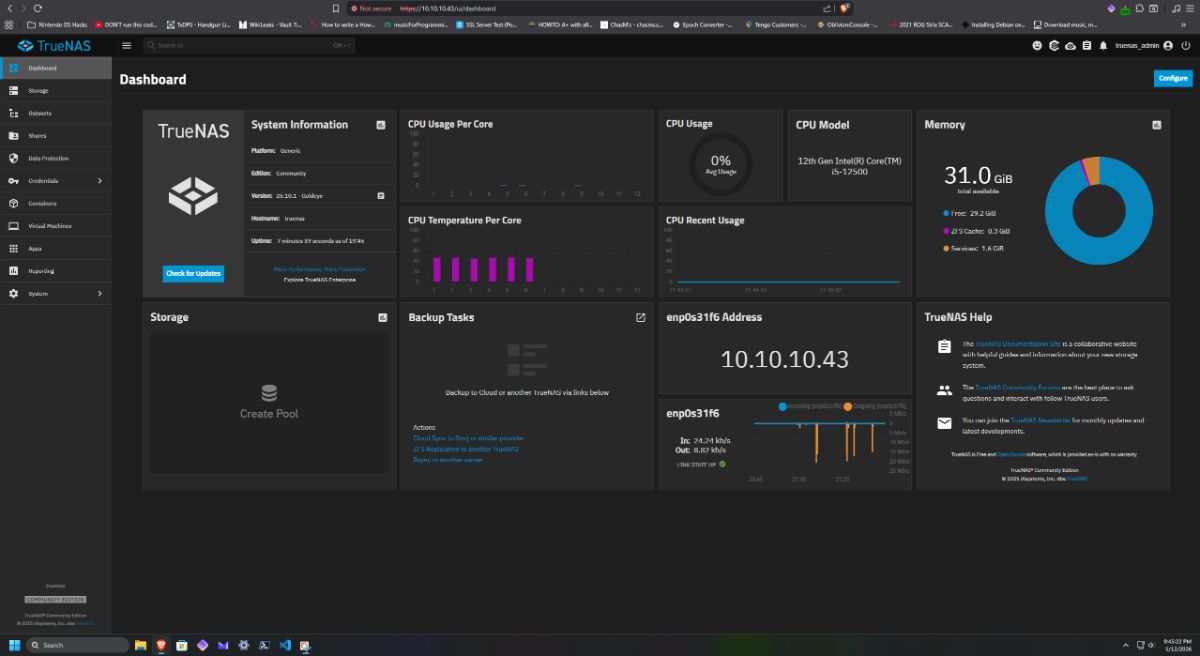
Having the same issue where this is a fresh install of HexOS, however https://deck.hexos.com/add-new-server/detecting cannot detect the server. I can ping the server I'm on the same network as the server The server has internet access The server has been rebooted like 20 times mDNS is enabled on HexOS and the UniFi network Tried both Brave and Chrome browser standard and incognito Since it was a fresh install, I figured maybe the version was bad so I changed from v25.04 to v25.10 but to no avail...Idk what else to try other than just managing it from the TrueNAS console directly since I can access the web GUI directly just fine.