rykott
-
Posts
5 -
Joined
-
Last visited
rykott's Achievements






-
Yes the 7) open linux shell is where you type it... but only if the boot partition is degraded. You can check that in the TrueNAS gui under -> System -> Boot -> Boot Pool Status. The command is only needed if that is degraded. Once you run it it will look like nothing happened but the pool should be now Online - No Errors instead of degraded,
-
Got it fixed. For some reason the boot pool was degraded. Not sure how. Had to run zpool clear boot-pool From the Open Linux Shell and it fixed it. I did do a manual update with a file in TrueNAS but I would imagine the auto update should have worked as well once that error was resolved.

-
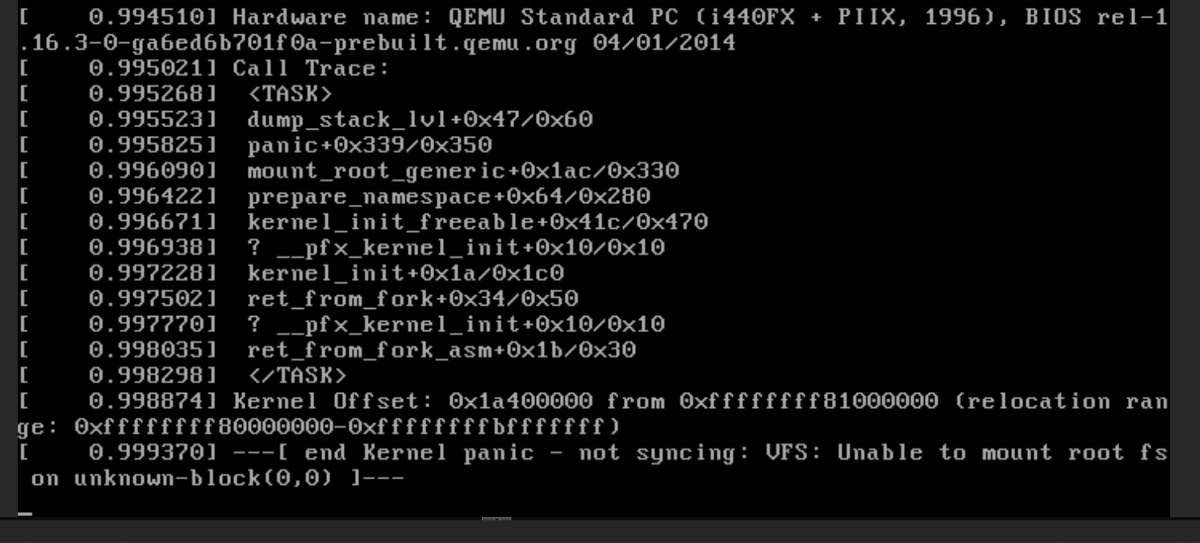
I've tried the update twice and it failed both times after the restart. Still loads correctly if I pick the old version in the boot menu.