All Activity
- Past hour
-
 ByteSized joined the community
 - Today
-
 _GreenArrow joined the community
 -

HexOS no longer allows me to access TrueNAS
BruteNas replied to BruteNas's question in OS & Features
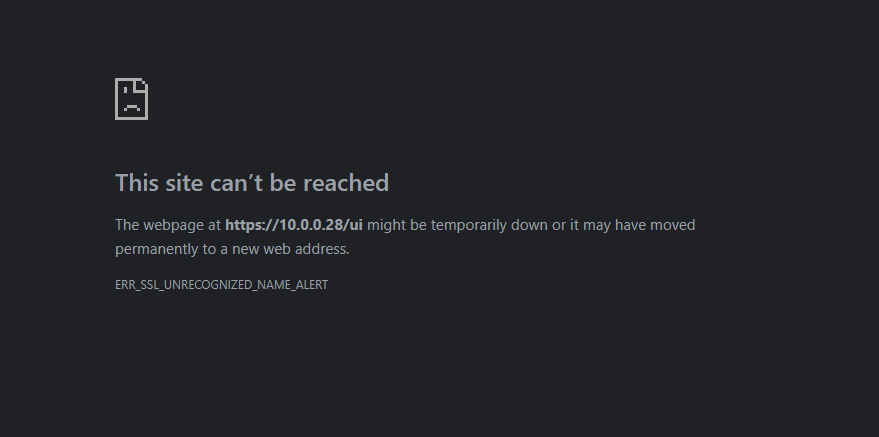
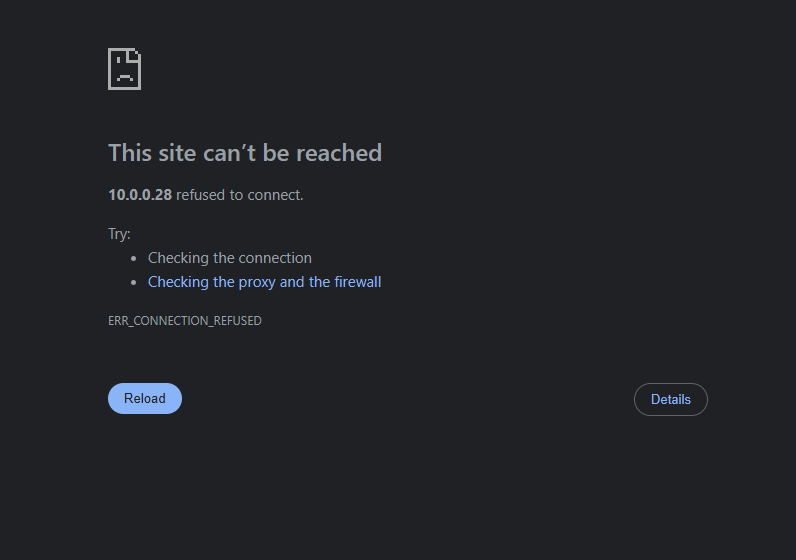
@PsychoWards on my server display it says "the web user interface is at: http://10.0.0.28:8080 https://10.0.0.28:4443" When I type either of those in the browser, I get the TrueNAS log in page and I can login successfully. So then I went back to HexOS and tried the "TrueNAS" button again and I get this error: Do you have any idea why the "TrueNAS" button is misconfigured? or how I can fix it so it correctly points to one of the two listed "Web User Interface" IP addresses? Thank you for your help, even if the button doesn't work, at least I know I can still access TrueNAS.
-
 StevenSabatier joined the community
 -
yes with hex os itself. Last night it said there was an update i dont remeber the version number, but it was something like X.4.2 >>> X.10.1 (X= number i dont remember). I clicked download and let it go all night long (8 hours). I woke up couldnt connect to my nas. had to walk into the room and push and hold the power button to turn the pc off, then turn it back on, and got that error. now i dont see the update notification, and I can't check the version number bc idk where the version number is.
-

HexOS no longer allows me to access TrueNAS
PsychoWards replied to BruteNas's question in OS & Features
Hey, The quickest check which you can do; when you connect a display to your server, what IP address is shown? 10.0.0.28 or a different one? -
Hello, Recently I noticed that when I click on "TrueNAS" from the HexOS setting menu, I get the below error. I used to get the login screen for TrueNAS but now I cannot get there. All my apps are still working and I can still access HexOS and my apps remotely and at home. However, this is the one issue I am having. Can anyone provide some assistance as to how I can resolve this issue? Thank you! I am really enjoying HexOS so far.
- Yesterday
-
 michaelkafoury joined the community
 -
 Nevernerd joined the community
 -
 Dragon2719 joined the community
 -
 Drewy joined the community
 -
 Jack Oliver joined the community
 -
 janosmund joined the community
 -

Nextcloud as App/Integration into HexOS
sonictimm replied to qlkgwgjxoi's topic in Roadmap & Feature Requests
Awesome, Thanks for the quick reply! Bought. If anyone else finds this thread, see https://docs.hexos.com/features/apps/ and https://docs.hexos.com/features/apps/install-scripts/curated/ Supposed to be a one-click install. I'll try it soon. 🙂 -
Would love Vaultwarden support!
-

Nextcloud as App/Integration into HexOS
Mobius replied to qlkgwgjxoi's topic in Roadmap & Feature Requests
Next cloud has already been curated by HexOS -
Nextcloud as App/Integration into HexOS
sonictimm replied to qlkgwgjxoi's topic in Roadmap & Feature Requests
+100 on this! I'm a small business owner who needs to get a Nextcloud server up and running within the next few months. Just found out about HexOS today. Instant purchase if they so much as announce Nextcloud integration. -
Hmm. Now there is an interesting idea. There is another post that asks about the long-term viability of HexOS with several outside the box thoughts. This would fit well under that thread. This might be a good fix if the specifics can be worked out..
-
HexOS itself? From what version to what version?
-
I tried to update my server, and it didn't work. Does anyone have any idea why?
-
Wondering if HexOS will partner with an OEM to make an official prebuilt piece of hardware for those who would like something off-the-shelf?
- Last week
-
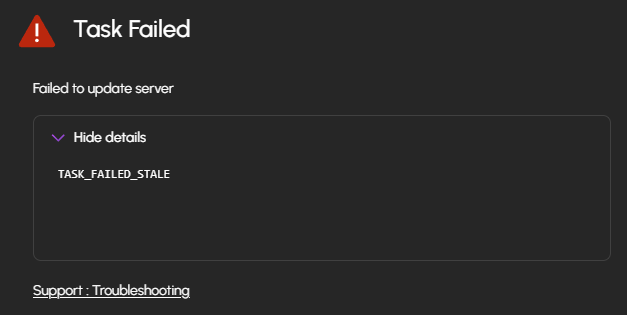
I got an HBA but its got data sata but not enough power My data is fine, it doesn't matter if I lose it. So I unplugged a drives, added the 3 larger ones to start moving some data around. I can see the drives working and displaying their full capacity as unused drives. But when I try to add the pool I get an error : TASK_FAILED_STALE and this link https://docs.hexos.com/troubleshooting/. Then 2/3 unused drives are gone from the HexOS deck. The drives are brand new Seagate Ironwolf, do you know what it could be ?
-
Hey, So, the save approach would be to get an HBA card so that you can connect all 5 drives together and copy your data using the task replication in the Truena GUI. You can use the HBA in future if you want to add more then 4 drives to your pool or if you want to create a 2nd pool. However, if you don't want to buy a HBA card, you could, although I strongly advise against it, unplug 1 drive from your current pool, plug in the 3 other drives, create your new RaidZ1 pool and copy the data over this way, again using the Truenas replication task.
-
Hi, I’m trying to upgrade a 2 drive pool to a 3 drives pools but with a twist I can only plug 4 HDDs at once in my motherboard And I have a bunch of apps running how would you proceed? (TBH it’s mostly Linux iso and a game library so losing it is not such a big worry but I’d rather not have to redownload the whole thing)
-

HexOS Deck not finding server after update but local smb shares and apps are detected
Thijs replied to Thijs's question in OS & Features
UPDATE I re-adopted the server into the HexOS Dashboard as a new install, and it was found in the notifications I could see that the update had failed, even though I do not see it available any more. -
Hi all, I hope this is the right place to go, I just yesterday deployed HexOS on my main NAS box everything was working great when it prompted to update it never came back online on the HexOS Deck, but I can access my Immich instance and all public SMB shares. What I've tried A different browser to access the HexOS Deck from I've restarted the machine HexOS is running on Any help would be greatly appreciated!
-
this method likely wouldn't work well for you because your original pool is only 2 drives. Expandable pools require to originally made with 3 or more drives. @PsychoWards's solution is likely the best, plug them all in at the same time and then copy over your data.
-
This worked for me, Thanks!
-
 Gryphon4200 changed their profile photo
 -

MFA/2FA Support on account
Todd Miller replied to WilliamsKnights's topic in Roadmap & Feature Requests
I doubt it's hidden but I have never seen it myself. -
I imagine this is being looked at but what sets this above tailscale. Tailscale already has scripts for someone to review to be curated so how does this app distinguish itself? Options would be wonderful. Especially if the are free to use!
-
 That issue with high CPU usage that's affecting several of us is still present with version 25.10.2. I tried 25.10.2 today, but had to roll back again.
 -
 So, I am having major issues upgrading to 25.10.2 as that breaks API access for HexOS (HexOS Deck can no longer connect to my server). I am running Pi-Hole and Nginx on my TrueNAS plus some other apps. My thought is the required HTTPs for API access on 25.10.2 is breaking compatibility. Does anyone else have these apps and experienced similar issues or no issues?
 -
Hey, this depends on a couple of things. Do you have any apps installed? If yes, I'm not sure how this is going to look like after the migration to another pool. Also, do you have enough slots to connect all the drives at the same time? If yes, creating a new pool will be the only way to get more storage with your current number of drives. Once the new pool is create, you need to login into Truenas and use the task replication to copy everything over to your new pool. This is the best and safest way to copy things over to the new pool.
-
Hey all, Im looking at upgrading my pool to a higher capacity storage. Currently have 5x 2TB drives and have picked up 3x 6TB drives. I saw that I could swap out the 2TB drives one by one and then once they have all been swapped the pool would upgrade itself to the higher capacity but I was only planning on putting the 3x drives in at the moment. Would the best way to go about it to be create a 2nd pool, copy everything over and rename the pool once the original pool has been removed? Thanks